India’s Independence Day inspires millions of patriotic photos, posters, profile pictures and social-media posts every year. Instead of manually changing the background, outfit, lighting and colours, you can now describe the complete scene to an AI image tool and use your own photograph as a visual reference.
These 15 August AI Photo Editing Prompts are designed for Indian users who want realistic Independence Day portraits featuring a respectful Tiranga, India Gate, the Red Fort, tricolour lighting, traditional outfits and cinematic backgrounds. The collection includes prompts for men, women, couples, families and children, along with identity-preservation instructions and solutions for common AI-image problems.
The correct term is AI, meaning artificial intelligence. Some people search for “15 August Al Photo Editing Prompts” because a lowercase “i” can look like an “l,” but both searches usually refer to the same Independence Day editing trend.
What Are 15 August AI Photo Editing Prompts?
An AI photo-editing prompt is a written instruction describing how an image should look. It can specify the subject, outfit, background, camera angle, lighting, colours, pose, mood and final image size. When you attach a reference photo, the tool can use that photo as visual guidance while creating the requested Independence Day scene.
A good prompt does more than say “make this patriotic.” It explains which parts of the original image must remain unchanged and which parts may be transformed. For example, you can ask the AI to preserve the person’s face, hairstyle, skin tone and body proportions while replacing only the outfit and background.
The strongest Independence Day edits usually combine three elements:
- A clear and natural reference photo
- A specific visual concept
- Strong preservation instructions
AI output can still vary, so always inspect the face, hands, flag, clothing and text before publishing.
Why Are Independence Day AI Photos Trending?
Patriotic portraits are popular because they are easy to share as Instagram posts, Facebook photos, YouTube thumbnails and WhatsApp Status images. AI tools can create cinematic scenes that would otherwise require a professional location, outfit, lighting setup and graphic designer.
Popular 2026 styles include:
- Cinematic Tiranga smoke portraits
- India Gate and Red Fort backgrounds
- Tricolour saree and kurta looks
- Rain and golden-hour portraits
- Double-exposure Independence Day posters
- Couple and family posters
- Minimal profile pictures with an Ashoka Chakra
- Village, field, highway, beach and lake scenes
These styles can look impressive, but a generated image should not be presented as authentic documentary photography. If the context could mislead viewers, identify it as an AI-created or AI-edited visual.
What You Need Before Creating the Image
Choose a clear reference photo with good lighting and a visible face. A front-facing or slightly side-facing portrait usually preserves identity more effectively than a heavily filtered, distant or blurry image. Avoid sunglasses if you want the eyes to remain recognizable.
Your reference should ideally have:
- A clear, unobstructed face
- Natural skin texture
- Good lighting
- Enough space around the body
- A pose similar to the requested result
- High resolution
- No strong beauty filter
Use only a photo you own or have permission to edit. For a child’s image, a parent or legal guardian should choose and upload the photo, avoid revealing personal details and review the result before sharing it publicly.
How to Create a 15 August AI Photo in ChatGPT
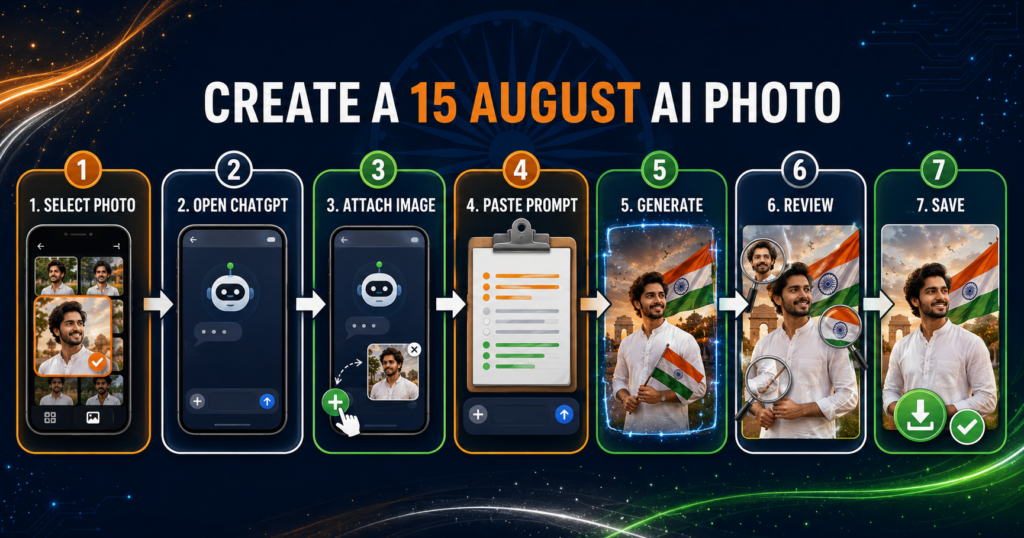
Open ChatGPT and begin a new conversation. Attach the photograph you want to use as a reference, paste one prompt from this article and send the request. Explain that the attached photo is the identity reference and clearly list what must remain unchanged.
The official image-generation guidance recommends describing the subject, setting, composition, style, dimensions and constraints. It also advises users to identify reference images clearly and state exactly what should change and what should remain fixed. You can review the current instructions in the official OpenAI image-generation guide.
Follow this process:
- Select a clear reference photo.
- Open ChatGPT.
- Attach the photo to your message.
- Paste the selected Independence Day prompt.
- State that the uploaded photo is the identity reference.
- Generate the image.
- Inspect the face, hands, flag and text.
- Request one specific correction at a time.
- Save the final approved version.
Depending on your device or account, the interface wording may differ. The essential action is to attach the reference image and describe the result you want.
How to Preserve Your Face and Identity
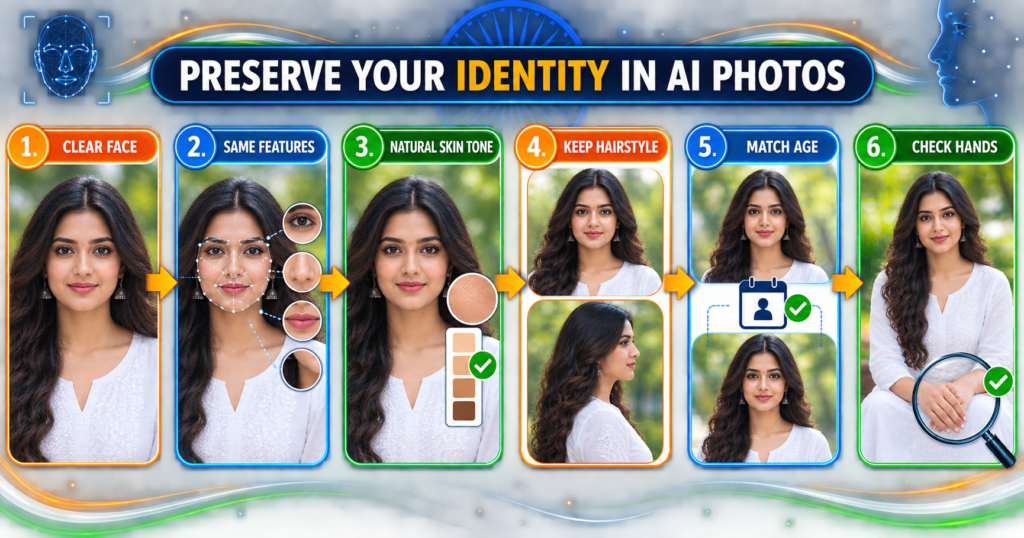
No prompt can honestly guarantee a perfect identity match every time. However, a strong preservation section gives the image tool clearer instructions and can improve consistency.
Add this identity block to any prompt:
If the face still changes, use a closer and clearer photo. Ask for one correction at a time, such as “restore the original jawline and eye shape; keep everything else unchanged.” This targeted approach is more reliable than asking the tool to recreate the entire image repeatedly.
Best 15 August AI Photo Editing Prompts for 2026
Replace phrases such as uploaded man, uploaded woman or uploaded people according to your reference image. Do not add a watermark inside the generation prompt; add your site or creator credit later in a design tool so the spelling and placement remain under your control.
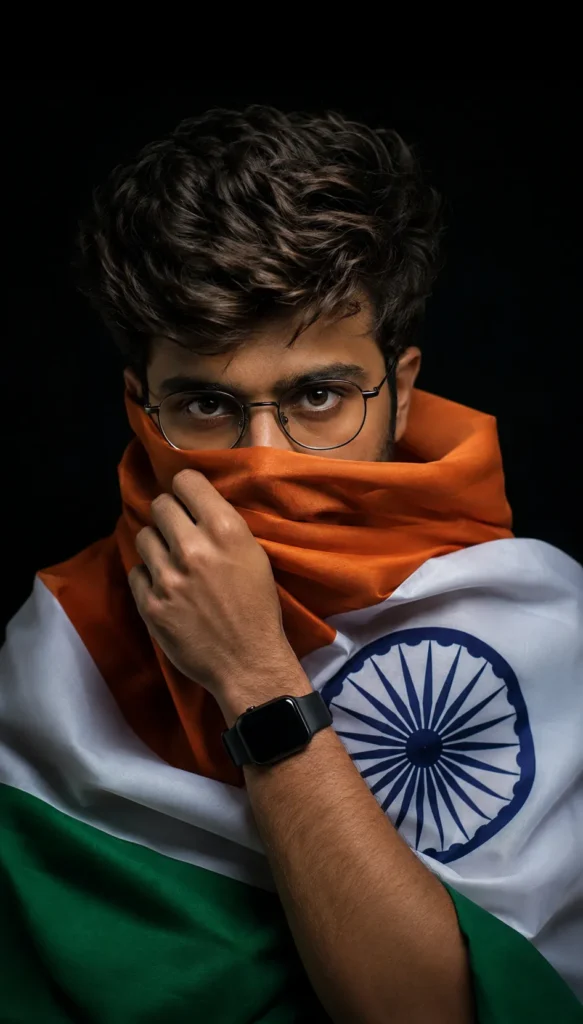
Prompt 1: Cinematic Tricolour Smoke Portrait for Men
Prompt 2: Emotional Tricolour Portrait for Women
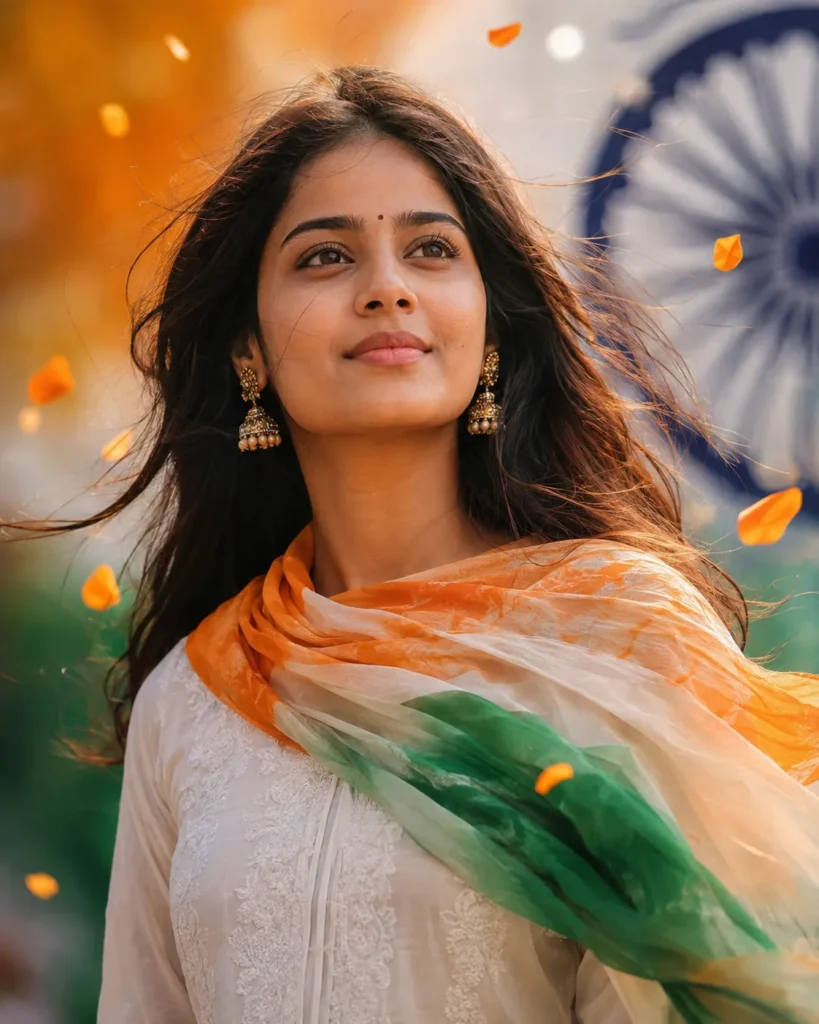
Prompt 3: India Gate Patriotic Portrait
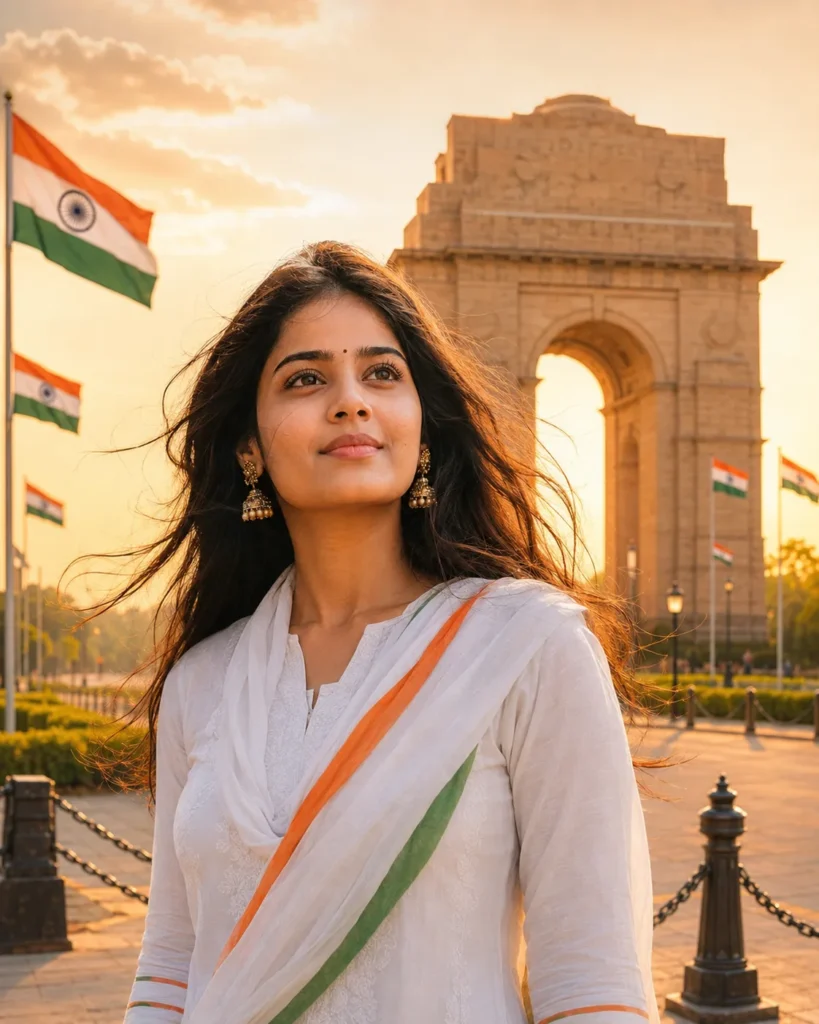
Prompt 4: Red Fort Golden-Sunset Poster
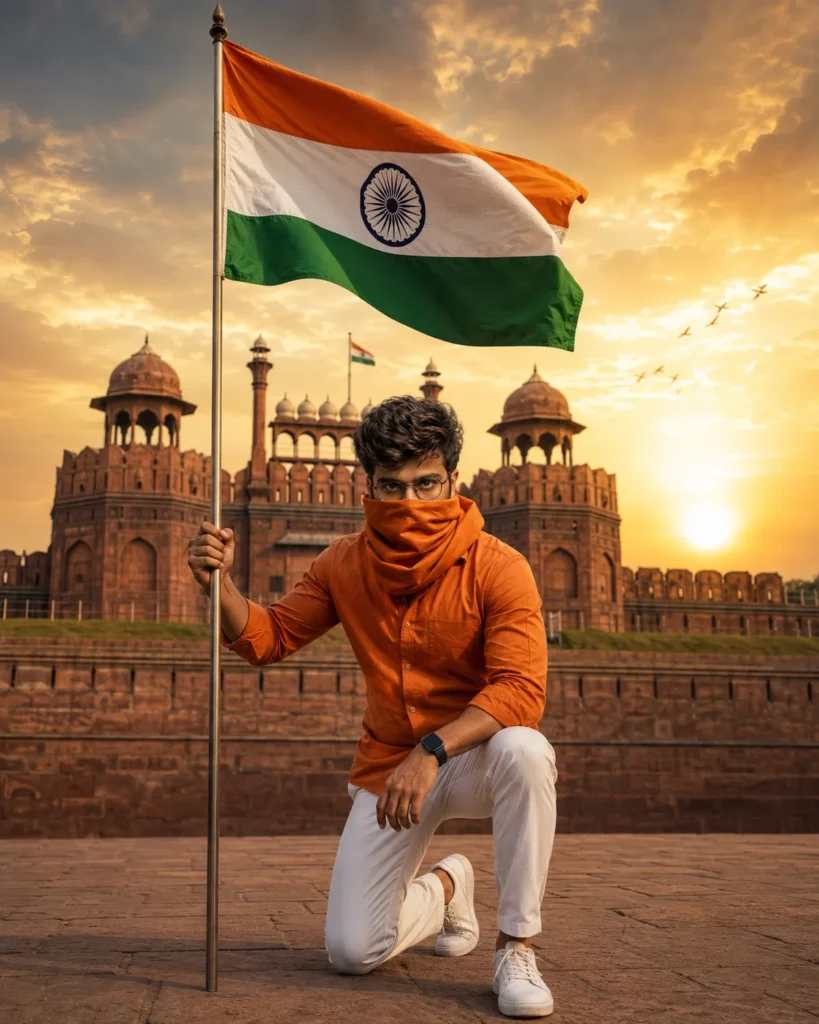
Prompt 5: Tricolour Saree in a Green Field
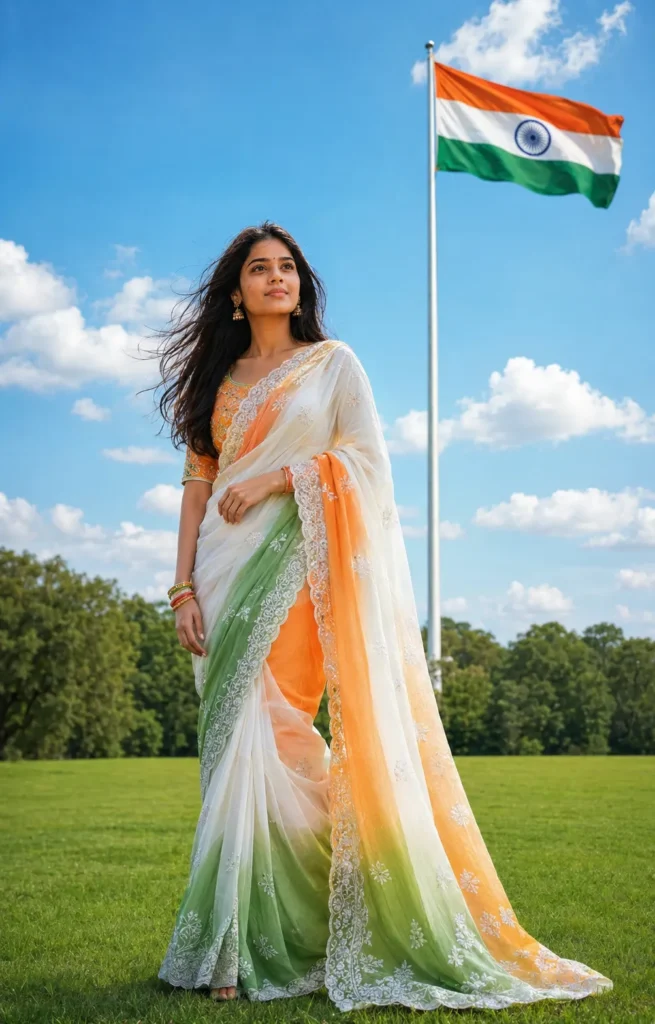
Prompt 6: Independence Day Rain Portrait
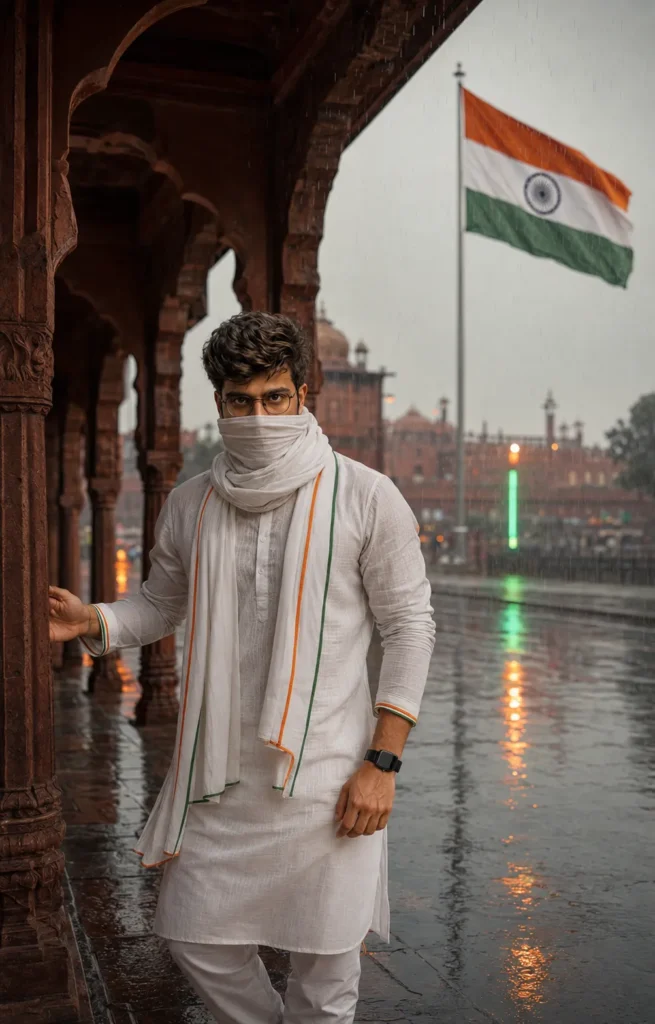
Prompt 7: Couple Independence Day Poster
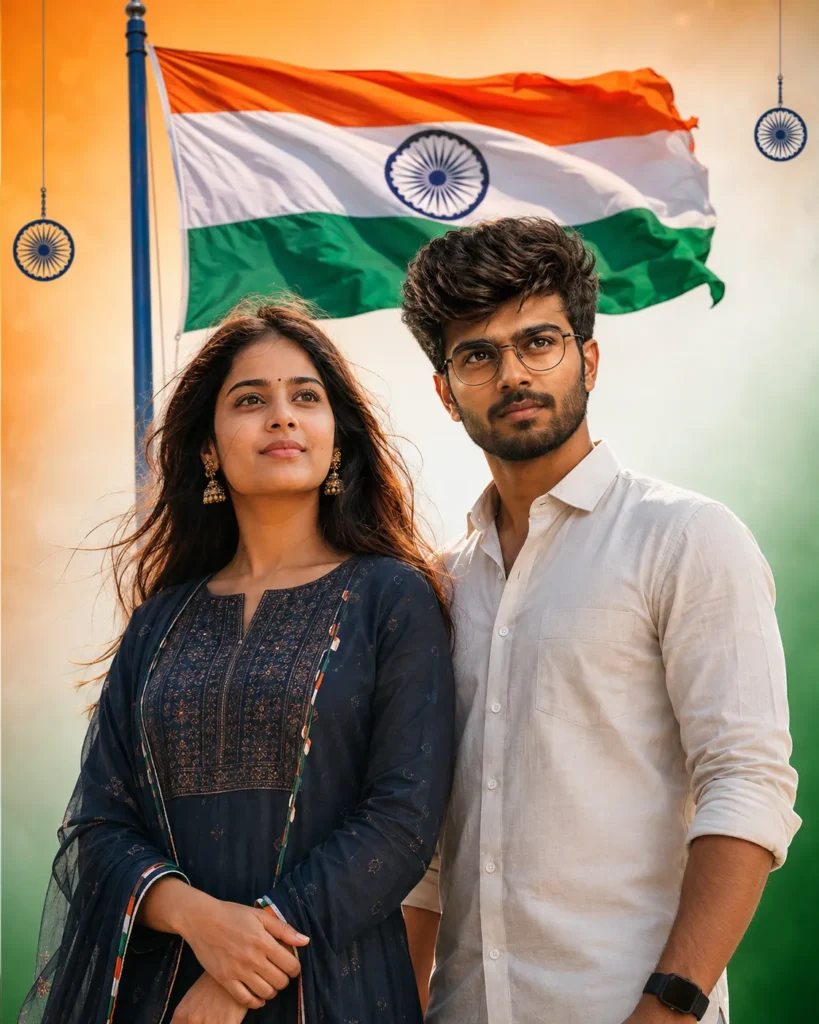
Prompt 8: Joyful Child with the Tiranga
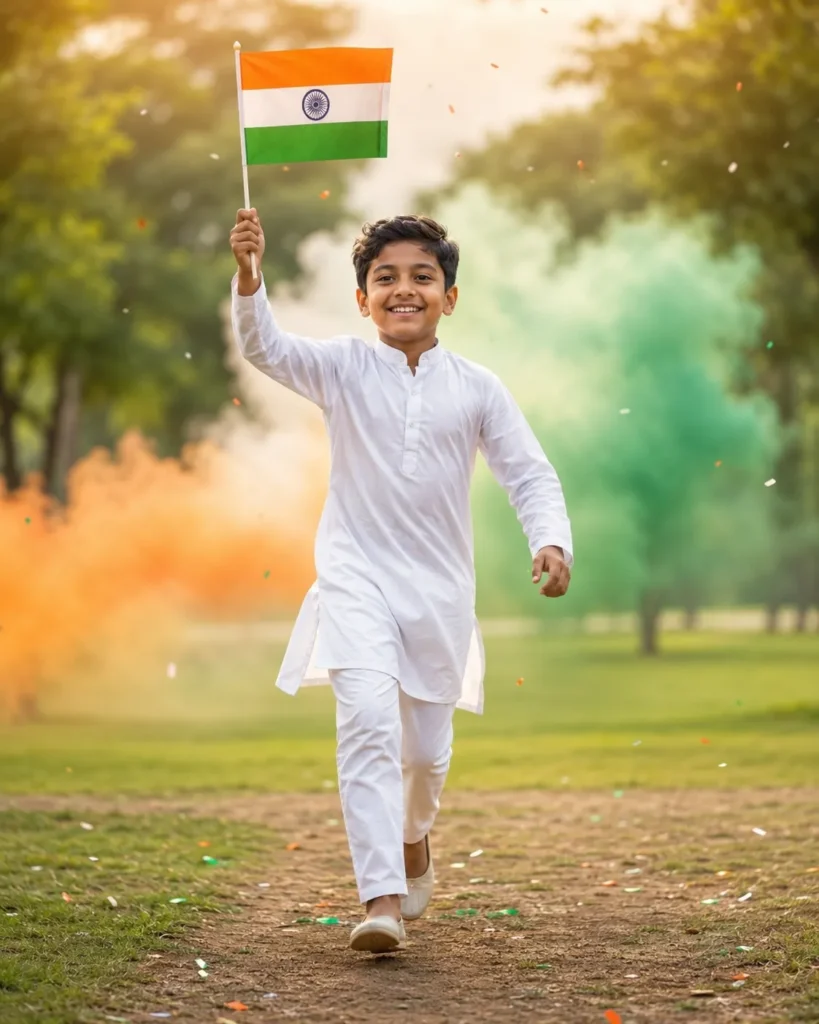
Prompt 9: Parked-Car Patriotic Lifestyle Edit
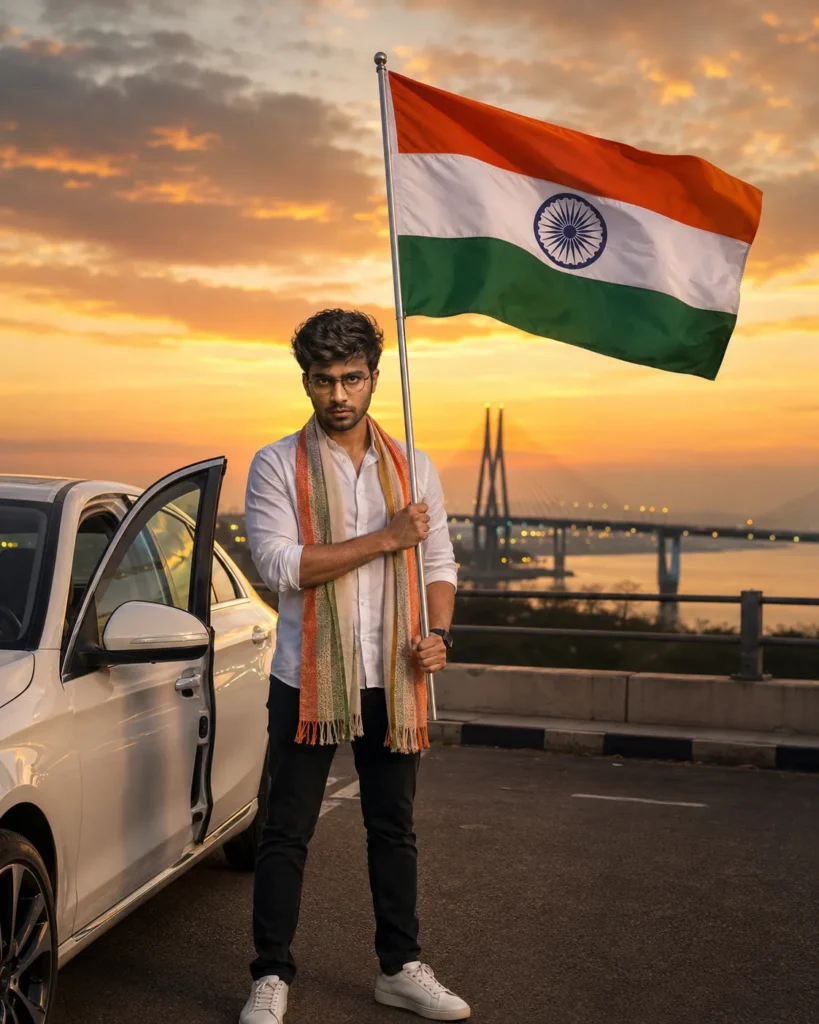
Prompt 10: Beach Salute Portrait
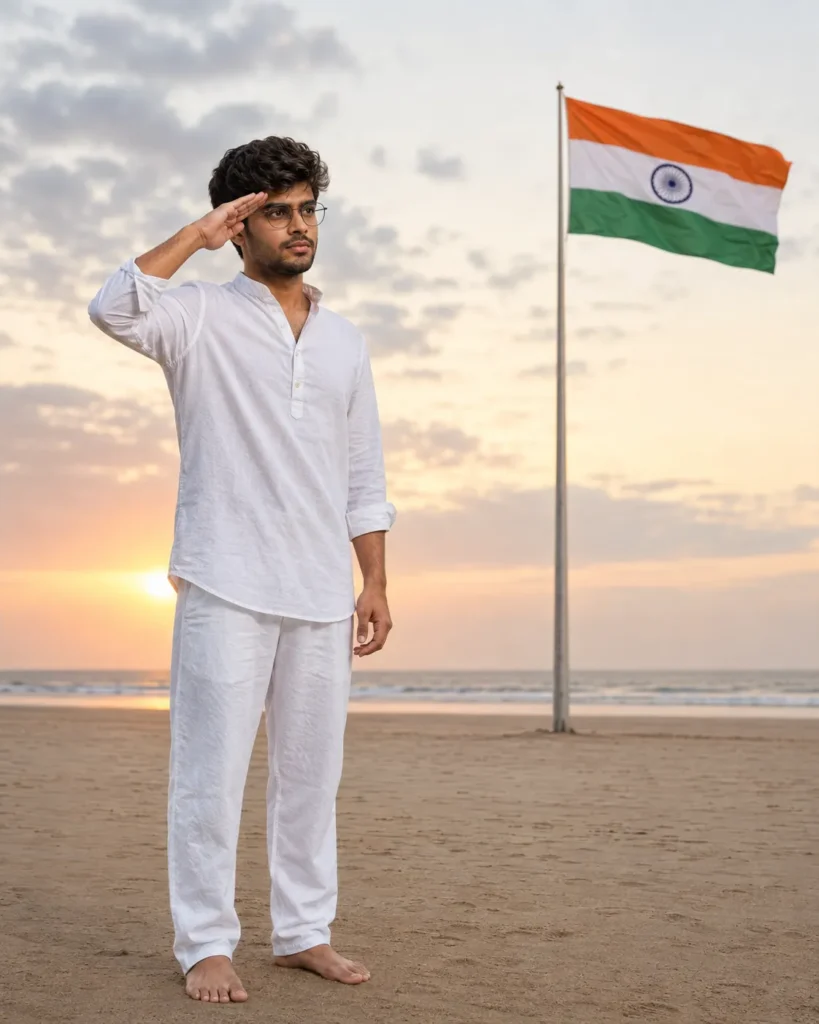
Prompt 11: Misty Lake Independence Day Scene
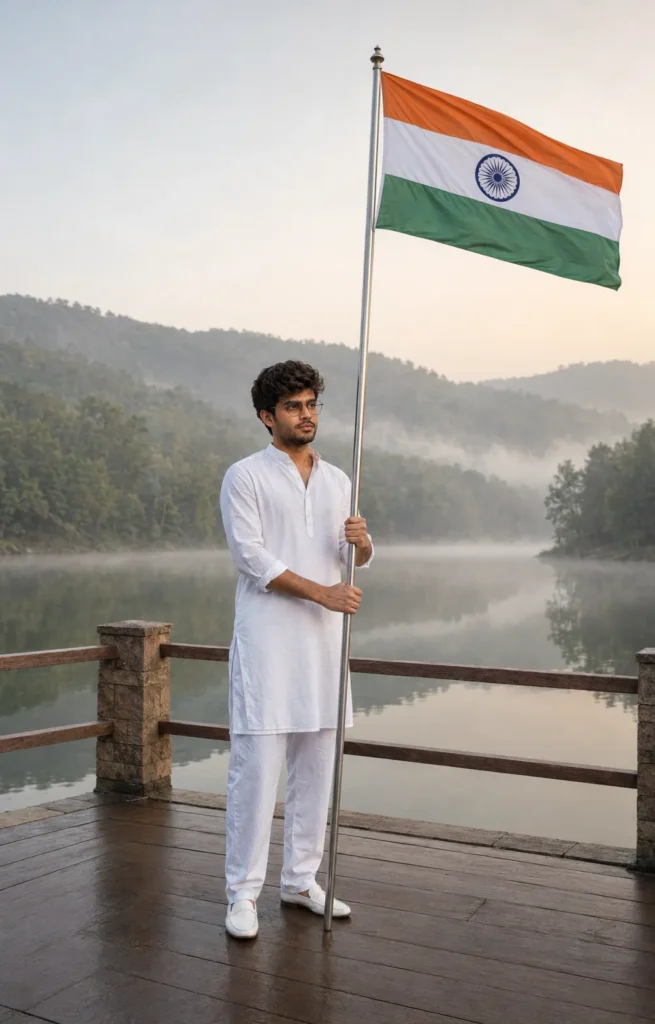
Prompt 12: Double-Portrait Independence Day Poster
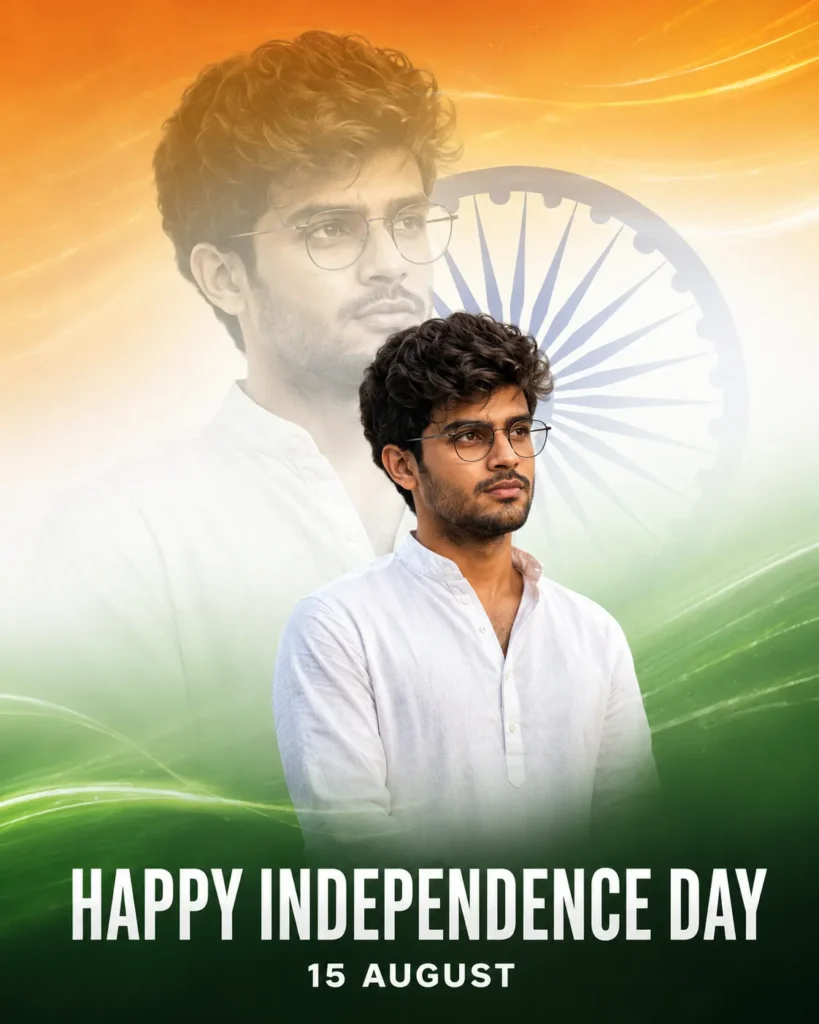
Prompt 13: Tricolour Paint-Splash Profile Picture
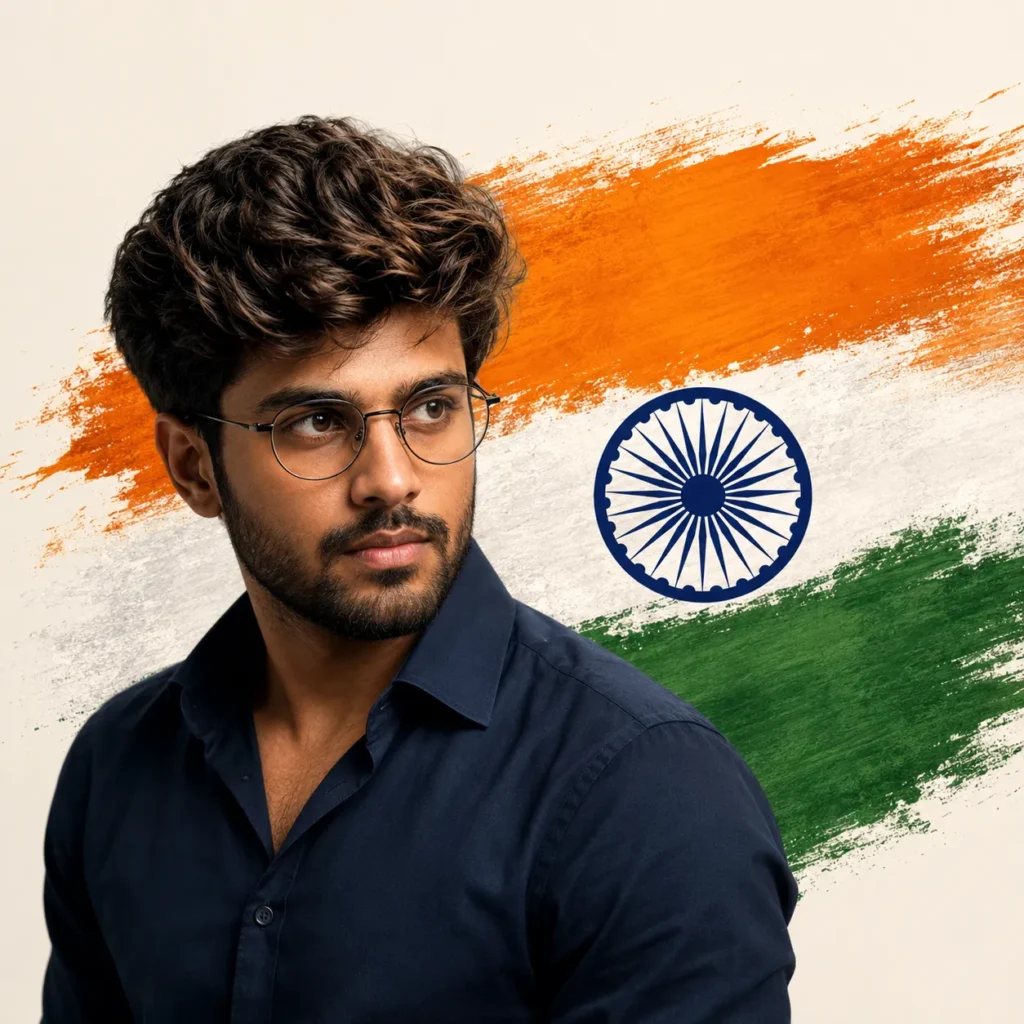
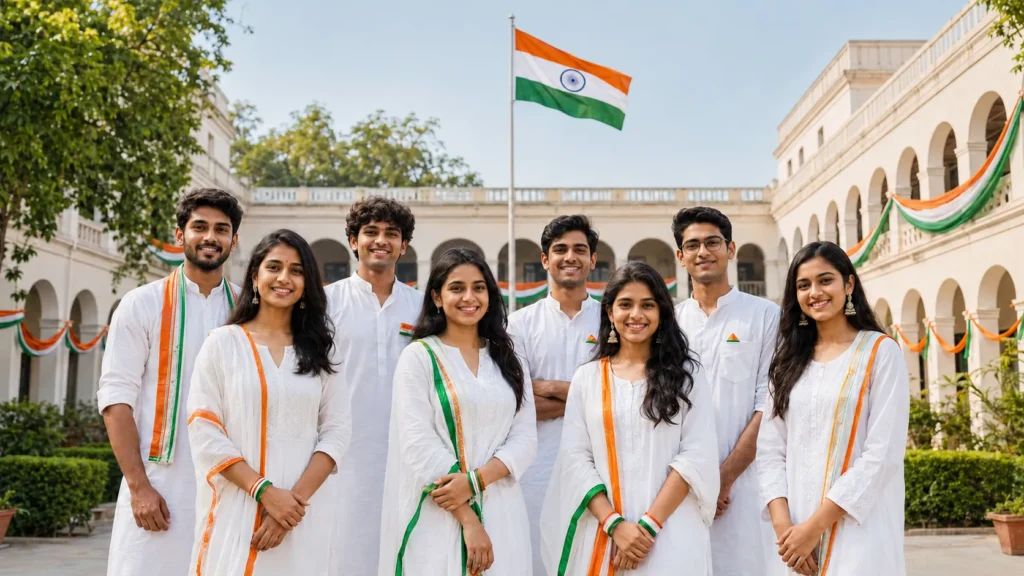
Prompt 14: School or College Independence Day Group Poster
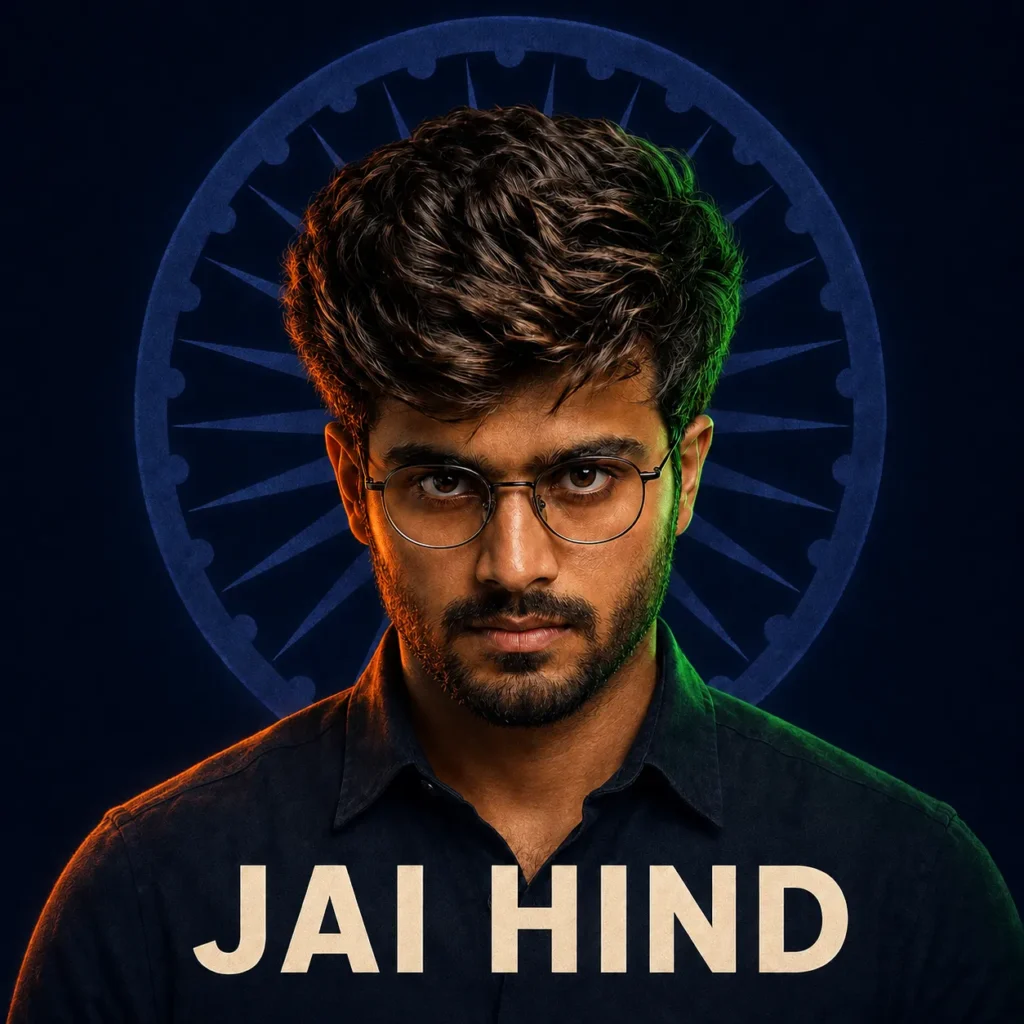
Prompt 15: Minimal Independence Day DP with Text
How to Customize Any Prompt
You do not need to use every prompt exactly as written. Keep the preservation and safety instructions, then change only the details that affect your concept.
You can customize:
- Subject: man, woman, couple, family or group
- Outfit: kurta, saree, shirt, suit or traditional dress
- Location: India Gate, Red Fort, field, courtyard, beach or studio
- Pose: standing, walking, looking upward or saluting
- Lighting: golden hour, soft daylight, rain or studio light
- Format: 1:1 profile picture, 4:5 post, 9:16 Story or 16:9 thumbnail
- Text: Jai Hind, 15 August or Happy Independence Day
Keep in-image text short. Put the exact words in quotation marks and tell the tool that no other text is allowed. Even then, inspect every letter before publishing.
How to Fix Common AI Photo Problems
The Face Does Not Match
Upload a clearer reference with the face closer to the camera. Repeat the identity-preservation block and request only a facial correction while keeping the background, outfit and pose unchanged.
Skin Tone Looks Unnatural
Add: “Preserve the original natural skin tone and realistic skin texture. Do not whiten, darken or heavily smooth the face.”
Hands or Fingers Look Incorrect
Request a simple pose with visible but relaxed hands. Ask the tool to correct only the hands and keep the face, outfit, background and crop unchanged.
The Indian Flag Is Incorrect
Ask for three horizontal bands—saffron on top, white in the middle and green at the bottom—with one centered navy-blue Ashoka Chakra containing 24 spokes. Check the result carefully before sharing.
The Flag Touches the Ground
Specify that the flag must remain high on a proper pole and never touch the ground, water, footwear or clothing.
Text Is Misspelled
Keep the phrase short, put it in quotation marks and request no other text. If precision is essential, generate the artwork without text and add the wording later in Canva, Photoshop or another design editor.
The Background Looks Artificial
Ask for natural perspective, physically consistent shadows, realistic depth of field and lighting that matches the subject.
The Image Is Too Crowded
Remove unnecessary objects and request one clear subject, one main background element and clean negative space.
Respectful Use of the Indian National Flag
AI can accidentally produce an inaccurate or disrespectful flag. Review every result before publishing. The Tiranga should have saffron at the top, white in the middle, green at the bottom and a navy-blue Ashoka Chakra in the centre of the white band.
Do not request the actual national flag as a shirt, saree, scarf, blanket, cape or body wrap. Use tricolour-inspired clothing instead. Keep the flag away from the ground, water, footwear and any damaged or dirty setting. Do not request torn, burning or distorted flag effects.
The Ministry of Home Affairs publishes the Flag Code of India and related official guidance. Users should follow the current rules and preserve the dignity and honour of the national flag.
Also avoid using the State Emblem of India as casual decoration. If your design does not specifically require an official emblem, use a simple Ashoka Chakra or an original patriotic motif instead.
Privacy, Consent and Responsible Editing
Use your own photograph or obtain permission from the person shown. Do not create misleading romantic, political or commercial edits of another person without consent. Take additional care with children’s images: remove school names, addresses, vehicle numbers and other identifying details before uploading or sharing.
AI output should not be used to falsely claim that someone attended an event, supported an organization or appeared at a location. A patriotic poster is creative content, not proof of a real event.
Do not upload identity documents, private photographs or images containing sensitive information merely to create a social-media edit.
Best Sizes for Social Media
| Platform or Use | Recommended Ratio | Suggested Size |
|---|---|---|
| Instagram post | 4:5 | 1080 × 1350 px |
| Instagram Story or Reel cover | 9:16 | 1080 × 1920 px |
| WhatsApp display picture | 1:1 | 1080 × 1080 px |
| YouTube thumbnail | 16:9 | 1280 × 720 px |
| Facebook post | 4:5 or 1:1 | 1080 × 1350 or 1080 × 1080 px |
| Blog featured image | 1200:630 | 1200 × 630 px |
Choose the final ratio before generation whenever possible. Changing a portrait image into a wide thumbnail later can crop the subject, flag or text. Readers who want to turn their edited photo into a video can also try the 15 August CapCut Template
Frequently Asked Questions
What are the best 15 August AI Photo Editing Prompts?
The best prompt clearly describes the subject, identity requirements, outfit, background, lighting, pose, image ratio and unwanted elements. Choose a prompt that matches your original pose for a more natural result.
Can I create an Independence Day AI photo in ChatGPT?
Yes. Attach a reference image, explain what should change and what must remain unchanged, and ask ChatGPT to generate the new image. Availability and limits can depend on the plan and workspace.
How do I keep my face unchanged?
Use a clear reference photo and explicitly request the same facial structure, skin tone, hairstyle, age appearance and proportions. Results can vary, so inspect and refine the image.
Which photo should I upload?
Use a sharp, well-lit photo with an unobstructed face and a pose similar to the requested scene. Avoid blurry screenshots and strong filters.
Can I use these prompts for women?
Yes. Several prompts are written for women, and any suitable prompt can be adjusted by changing the subject and clothing description while keeping the identity block.
Can I create a couple or family poster?
Yes, provided every person has agreed to the edit. Identify each uploaded reference clearly and explain where each person should appear.
Is it safe to create a child’s Independence Day photo?
A parent or guardian should control the process, avoid revealing personal information and carefully review where the image will be shared.
Why does the AI generate an incorrect Indian flag?
Complex symbols can be rendered incorrectly. State the band order and 24-spoke Chakra requirement clearly, then inspect and regenerate if necessary.
Can I add “Happy Independence Day” inside the image?
Yes, but keep the wording short and exact. If the generated text contains errors, add it later with a design editor.
What image ratio is best for Instagram?
Use 4:5 for a feed post and 9:16 for a Story or Reel cover. A square 1:1 design works well for a profile picture.
Are AI-generated Independence Day images free?
Access, limits and features depend on the tool, account and subscription. Check the current terms of the image service you use.
Can an AI photo guarantee viral reach?
No. A strong image can improve presentation, but reach depends on originality, timing, caption quality, audience interest and platform recommendations.
Should I add a watermark through the AI prompt?
It is better to add your watermark afterward in a design tool. This gives you accurate spelling, consistent branding and better control over placement.
Can I use the national flag as clothing in an AI poster?
Use clothing inspired by saffron, white and green rather than depicting the actual national flag as clothing, a scarf, cape or body wrap.
Conclusion
These 15 August AI Photo Editing Prompts can help you create realistic patriotic portraits, posters, profile pictures and social-media images without building every visual element manually. Start with a clear reference photo, choose a style that suits the original pose and tell the AI exactly which identity details must remain unchanged.
Always check the face, hands, text and Indian flag before sharing the result. Use the Tiranga respectfully, obtain permission for every person shown and avoid presenting AI-created scenes as real events. With careful prompting and targeted corrections, you can create a polished Independence Day image that looks personal, dignified and ready for social media.
Jai Hind!
1 thought on “15 August AI Photo Editing Prompts 2026: 15 Styles”