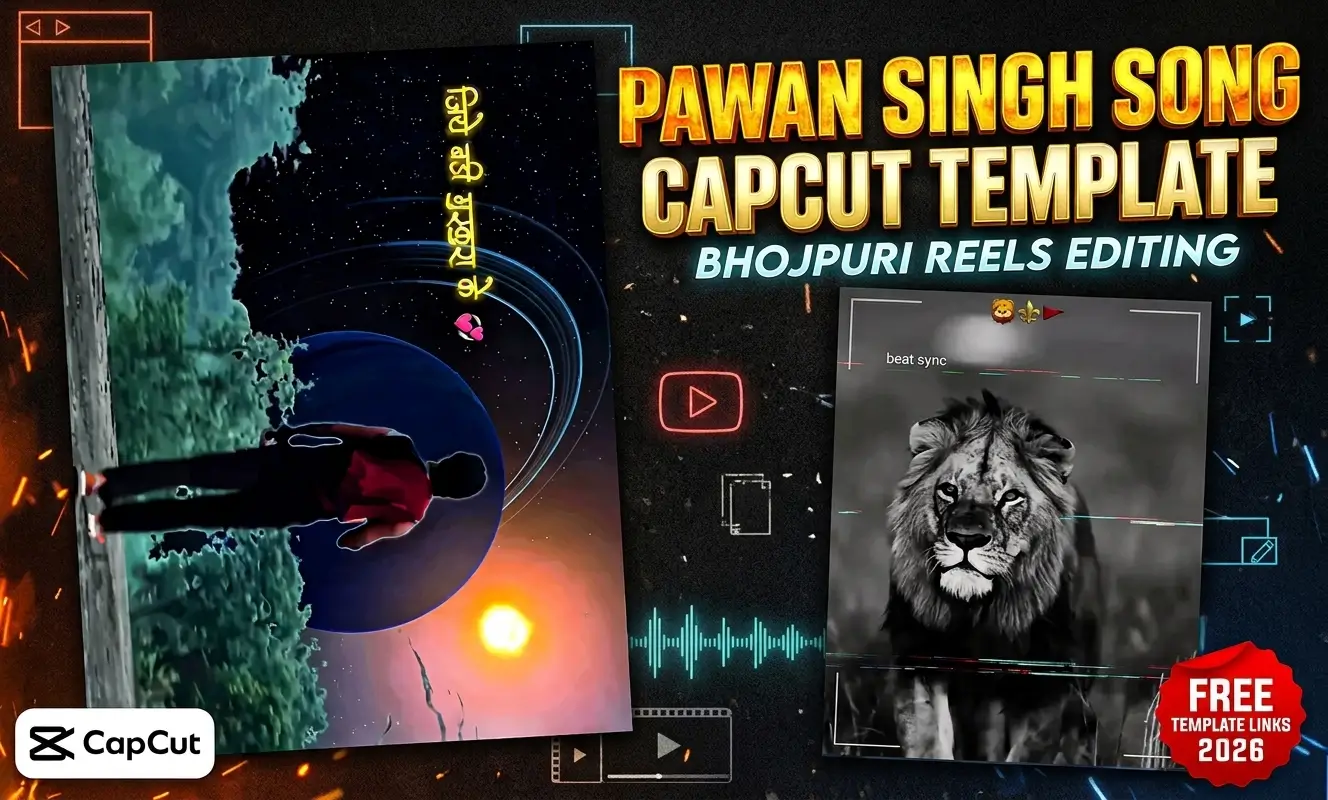
Bhojpuri music edits continue to dominate short video feeds across India. Tracks and dialogues by Pawan Singh hold a massive share of that trend on Instagram Reels, YouTube Shorts, and WhatsApp Status.
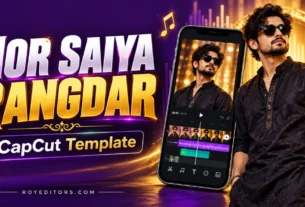
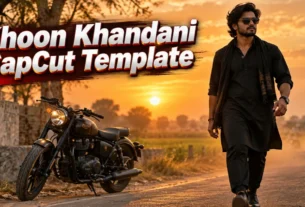
Friends, matching every beat drop and speed ramp by hand inside a mobile editor takes patience. A Pawan Singh Song CapCut Template solves that problem by giving you a complete, ready timeline with preset transitions, velocity curves, and color filters. You simply drop in your photos or raw clips, check the preview, and export a clean vertical video in minutes.You can also make transitional reels . All you need is to see Look Change CapCut Template and let everyone be left inspired .
Below, you will find how these Bhojpuri editing layouts operate, which styles match different song moods, how to prepare your clips before importing, and how to handle common link or regional issues in India.
Matching Edit Styles to Pawan Singh Song Moods
Most editing blogs treat every Bhojpuri reel as the same slow motion attitude clip. In reality, Pawan Singh’s catalog covers several distinct moods, and picking a template whose pacing fits the audio makes your video look intentional rather than recycled.
- High Energy Dance and Party Tracks: Upbeat numbers call for rapid beat sync cuts, flash transitions, and subtle camera shakes. These layouts usually rely on six to ten quick media slots where each photo or short clip changes right on the percussion hit.
- Attitude and Dialogue Edits: Viral Bhojpuri dialogue reels and bold entry tracks work best with velocity ramps. The video plays at normal speed during your walk or turn, then drops into smooth slow motion paired with halo blur, dark vignette, and sharp contrast at the punchline.
- Romantic and Sad Melodic Songs: Softer tracks lose their impact if you overload them with aggressive zoom flashes. Look for layouts built with gentle cross dissolves, warm cinematic color grading, and longer clip slots that let facial expressions breathe.
Step by Step Workflow Inside the CapCut App
Whether you open a direct template link or search inside the application’s template library, following a clear sequence keeps your framing and audio timing intact.
- Check App Version and Access: Make sure you have an updated version of the official CapCut mobile app installed on Android or iOS before opening any project link.
- Watch the Full Preview First: Never jump straight into selecting media. Let the preview play from start to finish so you can see the exact clip count, aspect ratio, and where the main beat drop lands.
- Load Your Media in Story Order: Tap the option to use the template, then pick your vertical clips or portraits from your phone gallery. Place your strongest visual in the opening slot to hook viewers during the first two seconds.
- Trim and Reframe Individual Slots: Once CapCut processes the timeline, tap on any slot that cuts off your head or shoulders. Drag the frame to center your subject and adjust the trim window so the main movement happens during the slow motion beat.
- Review Playback and Export: Watch the rendered edit with sound turned on. If every transition lands cleanly, export in 1080p at 30fps or 60fps for crisp playback on Instagram Reels and YouTube Shorts.
What Makes a Pawan Singh CapCut Template Work Behind the Scenes
When you open a Bhojpuri song CapCut template, you are loading a prebuilt project file created by a template editor. Every keyframe, speed graph, beat marker, and filter layer is already locked onto the timeline.
Instead of building velocity curves or masking subjects from scratch, the app maps your selected footage into empty media containers. Your original video clips retain their natural motion, while the project applies preset visual layers on top. Because the core structure stays intact, even beginners creating their first Bhojpuri video editing CapCut reel get consistent rhythm without touching complex timeline tools. Many people also like to make attitude aur savage reels , and for this we prefer Skull Emoji Edit CapCut Template .
Preparing Footage That Looks Sharp After Effects
Automated filters and motion blur magnify flaws in low quality source files. Spending two minutes preparing your raw footage prevents muddy exports and awkward crops.
- Shoot in Vertical 9:16 Orientation: Short form platforms display full screen vertical video. Landscape footage forces the template to zoom in heavily, which reduces sharpness and cuts off background details.
- Use Original Camera Files: Avoid pulling clips forwarded through WhatsApp or downloaded from social media stories. Messaging apps compress video bitrate, causing pixelation once CapCut adds glow or contrast filters.
- Record at 60fps for Slow Motion: If you plan to use an attitude reel CapCut template with heavy velocity drops, record your walking or bike entry shots at 60 frames per second. Extra frames allow the template to slow down your movement without choppy stutter.
- Keep Lighting Clean on Your Face: Dark indoor clips turn grainy under high contrast Bhojpuri color presets. Natural daylight or a steady front light keeps skin tones clear when blur transitions sweep across the screen.
Frequently Asked Questions
How many photos or video clips do I need for a Pawan Singh song edit? Most templates require between three and eight media items. Dialogue and slow motion edits usually need three or four longer video clips, while fast beat sync song edits often ask for six to ten photos or short bursts. Always check the slot counter at the bottom of the preview screen before selecting files.
Can I mix photos and video clips inside the same CapCut template? Yes. Unless a specific layout locks a slot to video only, CapCut lets you combine still portraits and live camera clips in a single project. Mixing a sharp opening photo with a moving slow motion clip works well for status videos.
Why does my exported reel look blurry compared to the template preview? Blurry exports usually happen when you import compressed social media downloads or export at 720p. Use original camera recordings, keep your lens clean, and select 1080p resolution on the export screen before saving to your gallery.
Are Pawan Singh CapCut templates free to use? The vast majority of community templates are free to open and export. Occasionally, an editor includes a Pro filter, font, or transition effect inside their layout, which CapCut flags before export so you can decide whether to swap templates or proceed.

Renu Mishra Roy is the founder and editor of Roy Editors. She writes about trending CapCut templates, VN codes, and AI photo editing, testing each template herself before publishing so readers get steps that actually work. Her guides focus on helping creators make clean, viral-style Reels and Shorts without wasting time on complicated editing.
1 thought on “Pawan Singh Song CapCut Template for Bhojpuri Reels Edits”