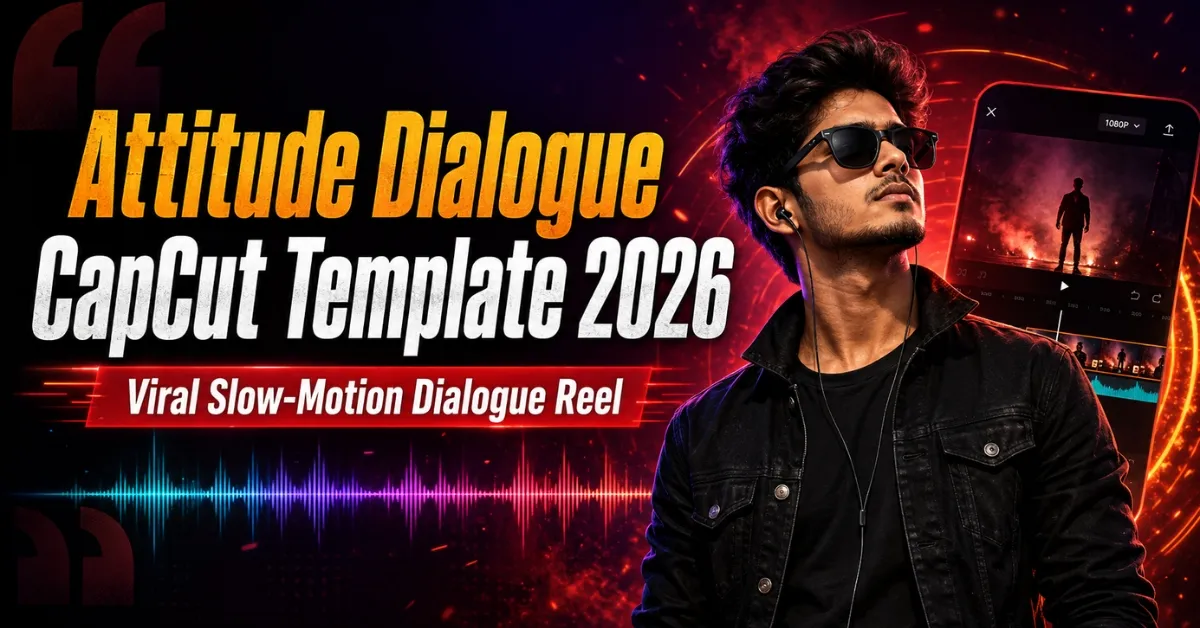
Friends, dialogue-based attitude Reels can turn a simple walking or posing clip into a bold short video. Slow motion, a blurred introduction, animated text and beat-matched flashes support the audio. Creating these elements manually can be difficult when every transition must match the dialogue.
The Attitude Dialogue CapCut Template provides a ready-made structure. Add your media, check the text and crop, preview the dialogue timing and export the Reel. This guide includes three official options, recording suggestions, usage steps and practical fixes.
If you prefer an edit focused more on Bhojpuri music than spoken audio, explore our Viral Bhojpuri CapCut Templates collection as well.
Important: A template creator can change or remove a project at any time. Music, dialogue, text, duration and clip count may therefore differ from screenshots or older previews. Treat the live CapCut page as the final reference.
What Is an Attitude Dialogue CapCut Template?
It is a pre-designed video project built around a confident spoken line, background song or both. The template already contains the timing, effects, transitions and media placeholders. Instead of editing from a blank timeline, you replace the sample media with your own videos or photos.
CapCut’s official template guide explains how users can browse templates and replace media. Customisation still depends on the project; some creators allow text changes while others lock the design.
Details of the Attitude Dialogue CapCut Template
The main option uses four clips in a vertical 9:16 format at the time of checking. It suits Instagram Reels, YouTube Shorts and Facebook Reels and helps you build a sequence rather than relying on one shot.
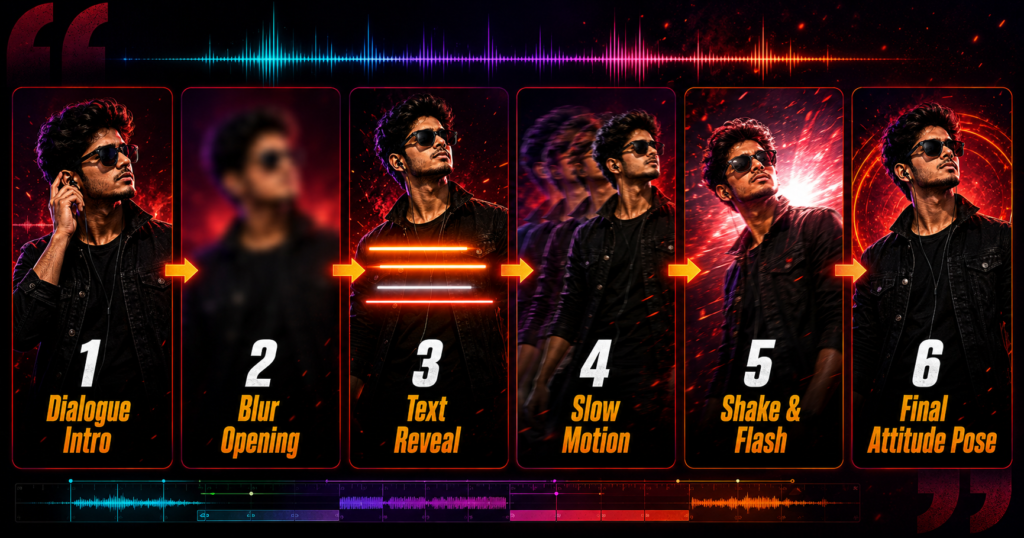
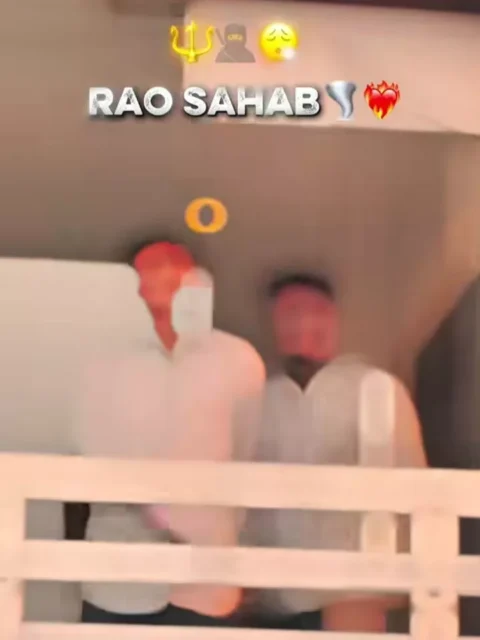
The edit may begin with a blurred frame or a partly hidden view of the subject. As the dialogue becomes clearer, the main clip is revealed and slow motion gives the movement more weight. Stylish text may appear near the top or centre, followed by shake, flash or zoom effects at important moments in the audio.
The visuals should support the mood without appearing forced. A calm expression, confident walk and simple location usually work better than exaggerated acting. Check whether any pre-set name or phrase is editable and suitable before publishing.
For another Bhojpuri-style slow-motion option, see the Attitude Boy CapCut Template.
| Detail | Information |
|---|---|
| Main style | Dialogue-based slow-motion attitude edit |
| Primary option | Four vertical clips |
| Common effects | Blur, text reveal, slow motion, flash and shake |
| Recommended ratio | 9:16 vertical |
| Best export quality | 1080 × 1920 pixels |
| Suitable platforms | Instagram Reels, YouTube Shorts and Facebook Reels |
| Editing level | Beginner-friendly |
Attitude Dialogue CapCut Template Links
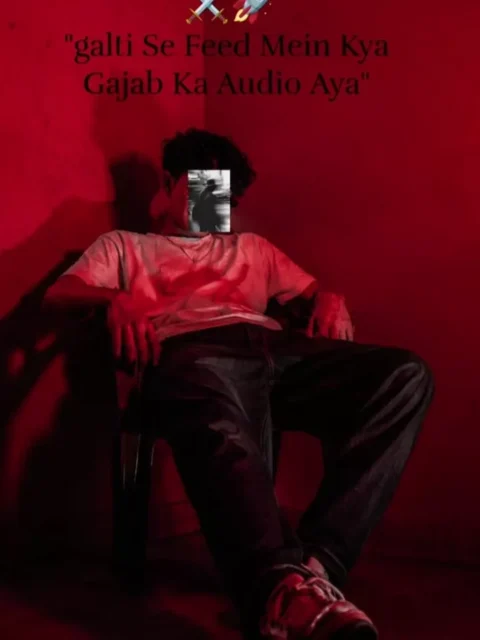
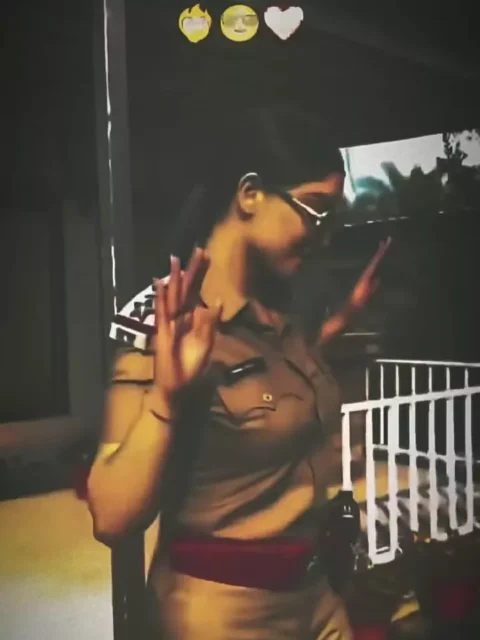
The following buttons open publicly available projects on the official CapCut website. Open this article on your phone, tap an option and watch the complete preview before selecting your media.
Template Disclaimer: RoyEditors does not own CapCut or the linked projects. The buttons direct readers to public pages on the official CapCut website. Names, logos and trademarks belong to their respective owners. Availability may vary by device or region, and a creator may update or remove a template.
How to Record Clips for an Attitude Dialogue Reel
Friends, good footage matters more than expensive equipment. Clean the lens, record vertically and use soft light. Keep your face properly exposed and leave enough headroom for cropping.
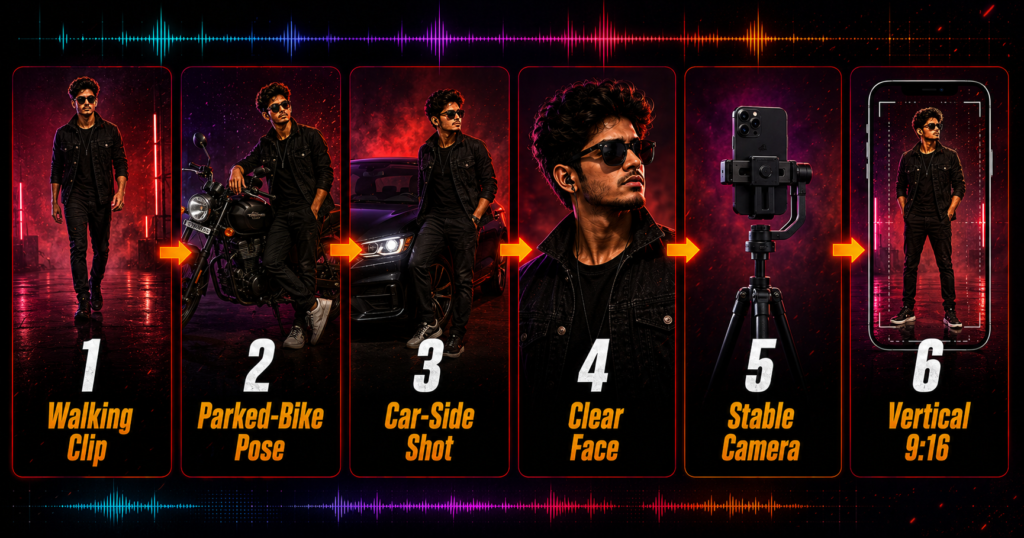
Useful shots include a confident walk towards the camera, a slow side turn, a close-up expression or a pose beside a parked bike or car. Never record while riding or driving. Choose a safe location away from traffic and keep the vehicle stationary. Avoid risky stunts, imitation weapons or actions that can endanger you or other people.
Record each movement for a few extra seconds so there is a clean point for slow motion. Use a tripod, gimbal or steady grip. Across several clips, maintain similar camera height, lighting and movement direction.
For a suspenseful Bhojpuri sequence with several attitude shots, you may also like the Janta Darbar CapCut Template.
How to Use the Attitude Dialogue CapCut Template
Follow these steps on your mobile device:
- Install or update CapCut through an official source available in your region.
- Open this RoyEditors page in a regular mobile browser.
- Tap the button for the version you want to use.
- Allow the official link to open in CapCut.
- Watch the complete preview and note the required media count.
- Tap Use Template or the equivalent option shown in your app.
- Select your clips in the same order as the preview.
- Tap Preview or Next and wait while the effects process.
- Check the crop, text, dialogue synchronisation and final frame.
- Replace or reposition any unsuitable clip where the project permits.
- Export the completed video in high quality.
The names and positions of controls can vary between app versions. Follow the interface displayed on your device if it differs slightly from these steps.
How to Improve the Final Video
Match the clips to the rhythm and meaning of the dialogue. A calm opening followed by a confident reveal feels more natural than one expression throughout. Keep the subject near the centre.
If text is editable, use a short name or phrase that can be read quickly. Avoid adding several extra stickers, fonts and filters after applying the template. The dialogue, facial expression and slow-motion reveal should remain the main focus.
Preview with sound and check that the text does not create a misleading impression. Social-media audio is sometimes reposted with incorrect attribution, so avoid unverified claims about the original speaker.
Best Export Settings
Use a 9:16 frame and export at 1080 × 1920 pixels. A frame rate of 30 FPS suits most edits, although matching the source footage can keep motion consistent. Upload the original export because messaging apps may compress forwarded copies.
Before posting, watch the saved video once to check its audio, crop, spelling and ending. A clean 10- to 20-second edit is often easier to watch than a longer video with repeated effects.
Attitude Dialogue Template Not Working: Solutions
If the page opens but the app does not, confirm that CapCut is installed and updated. Use a normal mobile browser instead of an in-app browser. If the gallery is missing, check media permissions.
For loading or export problems, use a stable connection, close unused apps and free some storage. An unavailable project may have been removed or restricted in your region; try an alternate link.
Do not download a modified APK merely to access one template. Use only an official store or developer source available in your country and follow local rules. If CapCut is not officially available where you live, choose a legally available editor rather than using unsafe third-party files.
Music, Dialogue and Privacy
A public link does not transfer ownership of its music, interview audio or film dialogue. Platforms may mute or restrict audio under their licensing rules, so use permitted content.
If an edit uses a public figure’s voice, do not present altered or incomplete audio as a new factual statement or endorsement. Ask permission before posting another person’s face, vehicle number, private location or personal moment.
Frequently Asked Questions
Is the Attitude Dialogue CapCut Template free?
Many public templates can be used without paying for the project itself. Some features or exports may still depend on the app version, account or region.
How many clips does the main template require?
The main official option listed here currently shows four clips. The two alternatives show one clip each. Always confirm the live preview before selecting media.
Can I change the “Rao Sahab” text?
Only if that text is editable in the version you open. Check the text controls. If it cannot be changed and does not suit your video, select another template.
Can I use a photo instead of a video?
Only when the chosen template accepts photos. Dialogue and slow-motion effects normally look better with video because natural movement supports the audio.
Why is the Use Template button missing?
The project may be unavailable on your device or in your region, the app may need an update, or the creator may have removed it. Try an alternate link.
Can I create the Reel without CapCut?
Yes. You can recreate a similar style in another legally available editor by adding dialogue, slow motion, blur, text, shake and flash effects manually.
What is the best format for Instagram Reels?
Use a vertical 9:16 video, preferably 1080 × 1920 pixels, for a full-screen mobile presentation.
Can this template guarantee viral views?
No. Reach depends on footage quality, the opening moment, audience interest, posting time and each platform’s recommendation system.
Is it safe to use a modified CapCut APK?
Modified APKs can create privacy and security risks. Use an official source available in your country and avoid files that request unnecessary permissions.
Can I use political or interview dialogue in my Reel?
Use it carefully. Do not misrepresent the speaker, create a false endorsement or remove context in a misleading way. Platform copyright and content rules may also apply.
Conclusion
The Attitude Dialogue CapCut Template offers a quick way to combine a bold spoken line with slow motion, text, blur and beat-matched effects. Choose the four-clip version for a complete sequence or one of the one-clip alternatives for a simpler status-style video.
Record clear vertical footage, keep vehicles stationary, check editable text and preview the dialogue before exporting in 1080p. Use audio responsibly and avoid unsafe third-party applications. For another dramatic walking edit, see our Nachaiab Hathiyar Se CapCut Template guide.
Keep visiting RoyEditors for more attitude, Bhojpuri, cinematic and trending CapCut and VN editing templates.
1 thought on “Attitude Dialogue CapCut Template 2026: Viral Reel”