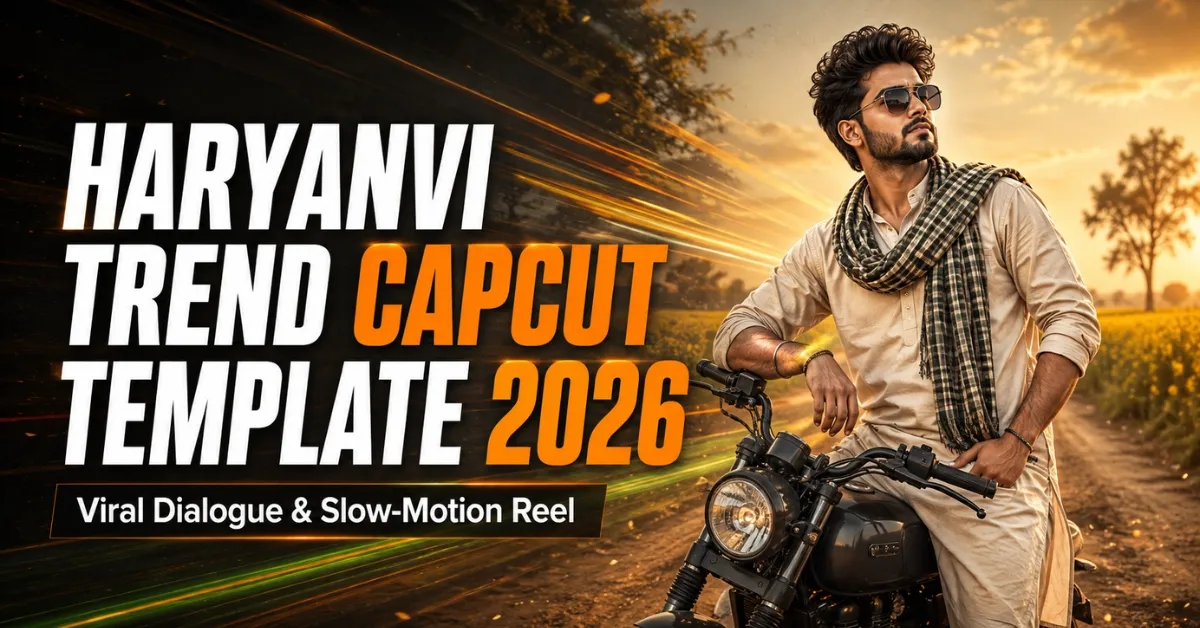
Friends, Haryanvi dialogue and song Reels have a distinctive desi energy. Slow motion, Hindi lyrics, flash effects and cinematic colour support the spoken line. Recreating this timing manually can be difficult when every transition must match the audio.
The Haryanvi Trend CapCut Template offers a ready-made structure. Replace its media slots, review the text and crop, then export the completed video. This guide includes three official options, clip ideas, usage steps and common fixes.
If you also enjoy regional song edits, explore our collection of Viral Bhojpuri CapCut Templates for more desi slow-motion and attitude styles.
Important: Template creators can update or remove projects. The audio, clip count, lyrics, effects and duration may therefore change. Always watch the current preview before adding your media.
What Is the Haryanvi Trend CapCut Template?
It is a pre-designed project built around Haryanvi dialogue, music or both. Its media placeholders, transitions, text, effects and audio timing are already arranged, so you add footage instead of starting from an empty timeline.
CapCut’s official Haryanvi template page describes this workflow as using template pacing and text beats first, then replacing the media and refining the final edit. The exact customisation options still depend on how each creator built the project.
Details of the Haryanvi Trend CapCut Template
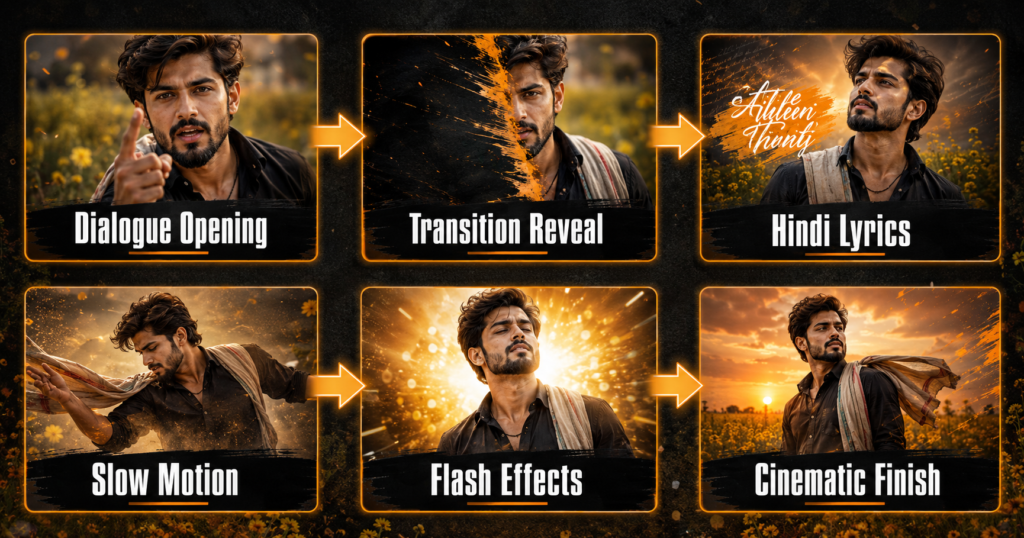
The main official option linked below currently requires two vertical clips. A typical edit begins with a dialogue-based introductory scene, then changes to the user’s footage through a transition. The second part may include Hindi lyrics near the top of the frame, smooth slow motion, flashes and a stronger cinematic colour treatment.
This two-part structure works because the first clip creates curiosity while the second delivers the personal reveal. Your footage should match the confidence of the audio without appearing overacted. A natural walk, side glance or still pose is usually enough.
Other uploads may use different media counts or songs. The alternatives below include another two-clip format and a six-clip edit. The live preview is more reliable than an old screenshot.
For another dialogue-focused editing style, visit our Attitude Dialogue CapCut Template guide.
| Detail | Information |
|---|---|
| Main style | Haryanvi dialogue and slow-motion Reel |
| Primary option | Two clips |
| Common effects | Transition reveal, Hindi lyrics, slow motion and flashes |
| Recommended ratio | 9:16 vertical |
| Best export quality | 1080 × 1920 pixels |
| Suitable platforms | Instagram Reels, YouTube Shorts and Facebook Reels |
| Editing level | Beginner-friendly |
Haryanvi Trend CapCut Template Links
The buttons below lead to publicly available pages on the official CapCut website. Open this article on your phone and watch each preview before deciding which version suits your footage.
Template 1
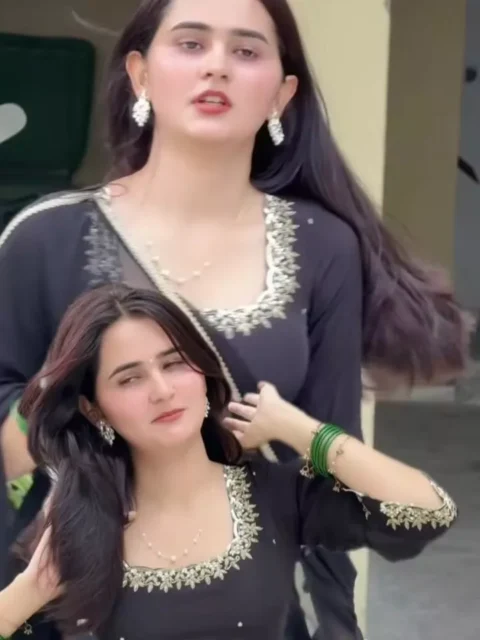
Template 2
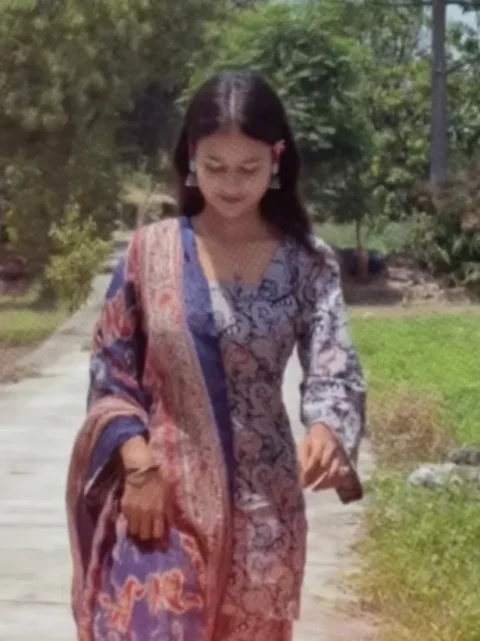
Template 3
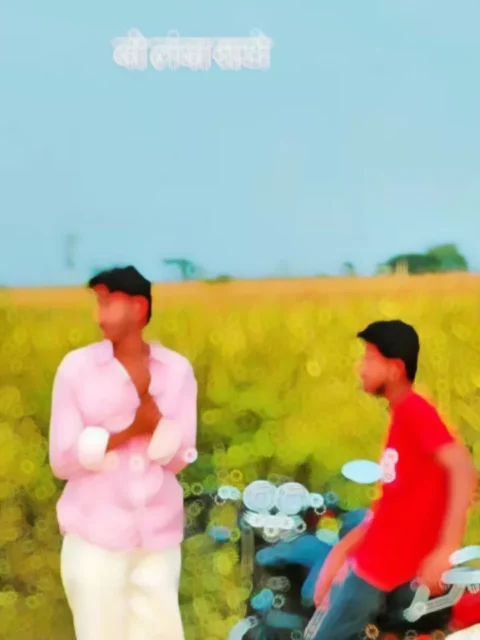
Template Disclaimer: RoyEditors does not own CapCut or the linked projects. These buttons direct readers to public pages on the official CapCut website. Names, logos and trademarks belong to their respective owners. Availability can vary by country, device and application version.
What Kind of Clips Should You Choose?
Friends, recording quality strongly affects the result. Clean the lens, shoot vertically and use even light. Keep your face visible and leave space around your body for cropping.
A confident walk is a reliable choice. You can also pose beside a parked vehicle, adjust your jacket or hair, look away or record a close-up. Hold each movement for several seconds for slow motion.
Do not record while riding a bike or driving a car. Choose a safe location away from moving traffic and keep all vehicles stationary. Avoid real weapons, imitation weapons and risky stunts; an attitude Reel should look confident without putting anyone in danger.
If you want another powerful Bhojpuri slow-motion sequence, our Dhamaka Bhojpuri CapCut Template provides a related option.
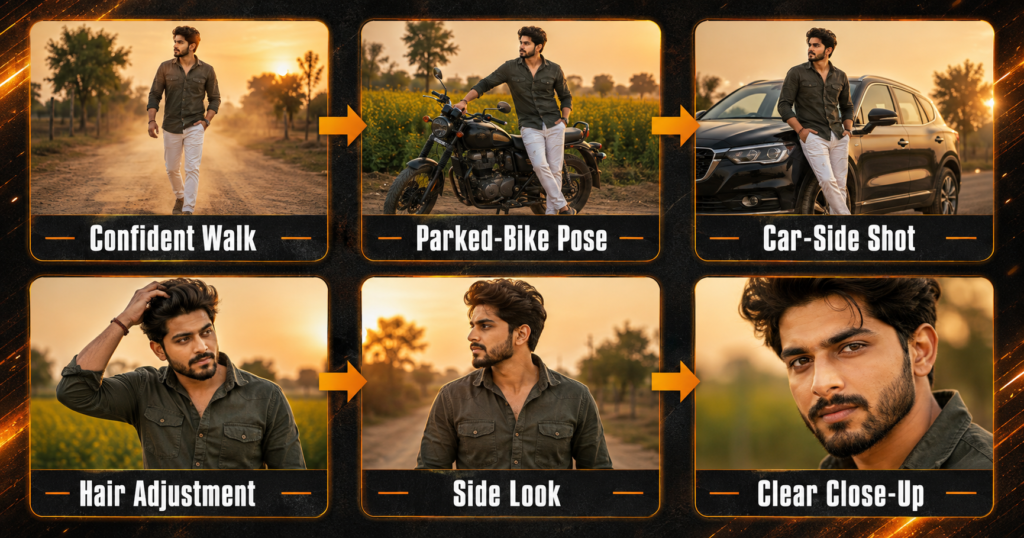
Recommended Clip Order
For a two-clip version, the sequence will generally look like this:
Dialogue Introduction → Transition → Your Slow-Motion Clip → Lyrics and Flash Effects → Final Pose
For the six-clip version, mix wide, medium and close shots instead of selecting six similar recordings. Reserve your strongest pose for the ending.
The project may repeat media or divide one clip into several segments. Follow the live placeholder order rather than assuming every version uses this sequence.
How to Use the Haryanvi Trend CapCut Template
Follow these steps on your mobile device:
- Install or update CapCut through an official source available in your region.
- Open this RoyEditors page in a regular mobile browser.
- Tap the button for your preferred template.
- Allow the official page to launch in CapCut.
- Watch the complete preview and check the media count.
- Tap Use Template or the equivalent option displayed in the app.
- Add your clips in the same order as the preview.
- Tap Preview or Next and wait while the effects process.
- Check the lyrics, crop, transitions and audio timing.
- Replace or reposition any unsuitable media where permitted.
- Export the completed video in high quality.
Button names and positions may vary between app versions. Follow the current interface on your device if it looks slightly different.
Tips to Make the Haryanvi Reel Look Better
Match your expression to the audio and avoid exaggerated gestures. Use similar lighting and camera height across clips so transitions remain connected.
If lyrics or other text are editable, check their spelling before exporting. Keep important text away from the extreme top and bottom, where social-media interface buttons may cover it. Avoid adding too many extra filters, stickers or fonts after the template has already applied its design.
Use original HD footage because the template cannot restore detail lost through compression. Preview with sound to ensure the reveal matches the dialogue or beat.
Best Export Settings
Use a vertical 9:16 frame and export at 1080 × 1920 pixels. A frame rate of 30 FPS suits most Reels; matching the original recording can keep movement consistent. Upload the original exported file directly because messaging applications may reduce its quality.
Watch the saved video once before publishing. Check the audio, Hindi text, crop and ending frame. A clean short edit usually looks more professional than a longer video containing repeated effects.
Haryanvi Template Not Working: Solutions
If the page opens but the app does not, update CapCut and use a normal mobile browser instead of an in-app browser. Also check media permissions.
For loading or export problems, use a stable connection, close unused apps and free some storage. An unavailable project may have been removed or regionally restricted; try another verified option.
Do not install a modified APK merely to open one template. Use an official store or developer source available in your country and follow local rules. If CapCut is unavailable in your region, choose a legally available editing application instead of an unsafe third-party file.
Music, Lyrics and Privacy
A public link does not transfer ownership of its song, dialogue or lyrics. Platforms may restrict audio under their licensing rules, so use permitted media.
Ask permission before posting another person’s face, vehicle number, private location or personal moment. Do not use lyrics or dialogue to threaten, bully or falsely target someone. A bold editing style can remain entertaining without becoming harmful.
Frequently Asked Questions
Is the Haryanvi Trend CapCut Template free?
Many publicly shared templates can be used without paying for the project itself. Some effects or export features may still depend on your app version, account or region.
How many clips do I need?
The primary and Two-Sides options currently require two clips each, while the Haryanvi Edit requires six. Confirm the current placeholder count before selecting media.
Can I use only one video?
Only if the chosen project accepts one clip or permits the same recording in multiple slots. Follow the live preview rather than guessing.
Can I use photos instead of videos?
Only when the selected template accepts photos. Video usually works better for walking, expressions and smooth slow motion.
Why is the Use Template button missing?
The app may need an update, the creator may have removed the project or the template may be unavailable in your region. Try another official link.
Can I make the same edit without CapCut?
Yes. A similar video can be created manually in another legally available editor using dialogue, lyrics, blur, transitions, slow motion and flash effects.
What is the best format for Instagram Reels?
Use a vertical 9:16 frame, preferably 1080 × 1920 pixels, for a full-screen mobile Reel.
Can this template guarantee viral views?
No. Reach depends on footage quality, the opening moment, audience interest, posting time and each platform’s recommendation system.
Is it safe to download a modified CapCut APK?
Modified APKs can create privacy and security risks. Use an official source available in your country and avoid files requesting unnecessary permissions.
Can I use Teri Aakhya Ka Yo Kajal or Goli Chal Jayegi audio?
Only when you have access to audio permitted for use on the platform where you plan to publish. Song availability and licensing can vary by service and region.
Conclusion
The Haryanvi Trend CapCut Template provides a simple way to combine desi dialogue, Hindi lyrics, slow motion, flashes and cinematic colour without arranging every effect manually. Choose the two-clip version for a clear introduction-and-reveal story or the six-clip option when you have several good angles.
Record stable vertical footage, use parked vehicles only, check the text and preview the full audio timing before exporting in 1080p. A template can improve presentation, but it cannot guarantee viral reach. For another regional attitude edit, you can also try the Attitude Boy CapCut Template & roy editor video
Keep visiting RoyEditors for more Haryanvi, Bhojpuri, dialogue, cinematic and trending CapCut and VN editing templates.