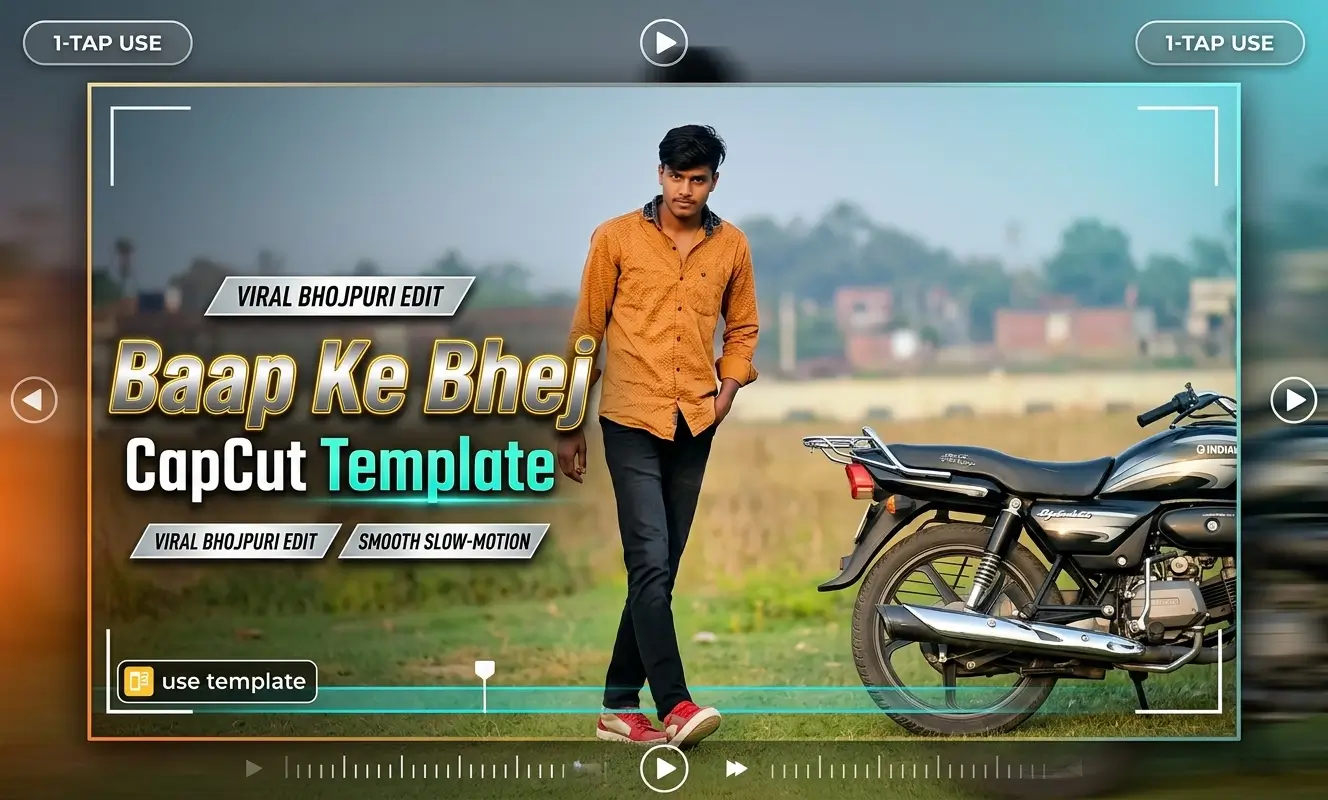
Hey friends, if you love making short videos on Instagram Reels or YouTube Shorts, you already know how fast Bhojpuri attitude edits grab attention. Setting keyframes, speed ramps, and beat cuts manually on a phone screen can eat up your whole evening. The Baap Ke Bhej CapCut Template gives you a quick shortcut by bundling smooth transitions, slow motion, and punchy beat timing into one preset.
Whether you are editing a bold street clip or posting a quick WhatsApp status for friends in India, this preset keeps the workflow simple. Below is a practical walkthrough covering how the template behaves, how to load it cleanly, which shots suit it best, and answers to common creator questions. And Fa Fa Fa CapCut Template right now , so why not gve it a try .
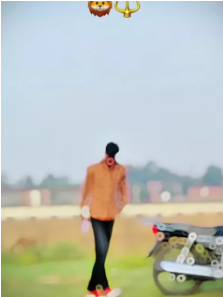
How to Use the Baap Ke Bhej CapCut Template in Minutes
Getting your video ready takes only a few taps once your clips are picked out. Keep your CapCut app updated so newer transition effects and speed curves open properly.
- Tap the template access link from your mobile browser to open the preview inside CapCut.
- Watch the sample preview once to check how many photo or video slots are in the timeline.
- Hit the Try This Template button and select your phone clips from your gallery.
- Drag or trim each selected clip so your face or main subject stays framed cleanly.
- Check audio timing on the preview screen, then export your finished reel in high quality.
Why Creators Pick This Attitude Video Editing Template
Short video creators across Bihar, Uttar Pradesh, and other parts of India gravitate toward presets that match strong vocal beats without heavy manual editing. A Bhojpuri CapCut template built around attitude energy works so well because the rhythm and visual cuts reinforce each other. Guzarish Capcut Template is also a favourite choice of many creators . Take a look at it , you will surely love it too .
- Opening Blur to Sharp Focus: Many edits start with a soft blur or zoom that builds curiosity before revealing your main shot.
- Smooth Slow Motion Transitions: Speed shifts ease into slow motion right around key beat accents instead of cutting abruptly.
- Cinematic Contrast and 4K Look: Color boosts and crisp filters give everyday outdoor clips a bold, finished vibe.
- Built for Vertical Feeds: Designed for 9:16 vertical playback so reels and shorts fill the screen naturally.
Shot Ideas and Framing Tips for Better Results
Even the best CapCut template link looks average if the source footage is shaky or poorly framed. Spend a minute planning your shots before opening the editor.
- Walk and Glance Shots: Record a confident walk toward the camera or a quick look back over your shoulder right before a beat drop.
- Bikes, Cars, and Open Roads: Outdoor travel or vehicle clips pair naturally with fast transitions and bold contrast.
- Extra Headroom Matters: Leave space above your head so zoom transitions and crop boxes never slice off the top of your frame.
- Bright Daylight Footage: Shoot in clean natural light so slow motion segments stay sharp instead of turning grainy.
Ways to Give Your Edit a Fresh Personal Touch
Because trending CapCut templates get used by many creators at once, small choices help your video stand out in crowded feeds.
- Lead With Your Strongest Clip: Place your sharpest expression or cleanest action shot in the main drop slot rather than saving it for last.
- Keep Lighting Consistent: Try not to mix dim indoor clips with bright afternoon shots in the same video. Beacuse it makes the video look unimportant and made with less effort .
- Go Easy on Extra Text: Let the beat and transitions carry the mood instead of crowding the screen with heavy stickers or long captions.
Frequently Asked Questions
What kind of videos work best with the Baap Ke Bhej CapCut Template?
Short vertical clips featuring confident expressions, walk ins, bike or street scenes, and clear lighting work best. Matching your strongest movement to the beat drop gives the cleanest result.
Can I use photos instead of video clips in this CapCut template?
Many CapCut templates accept a mix of photos and short video clips depending on how the creator set up the slots. Check the slot indicators after tapping Try This Template to see what fits each spot best.
Why does the template link not open directly in CapCut?
Sometimes built in browsers inside social apps block deep links, or your CapCut app needs an update. Opening the link in your main mobile browser and checking your internet connection usually fixes the issue.
How can I make a smooth slow motion CapCut template look less choppy?
Use steady footage filmed in good lighting, avoid rapid jerky camera shakes right on the cut, and preview the full clip before exporting to verify smooth motion.
Is this template suitable for Instagram Reels and YouTube Shorts?
Yes, vertical 9:16 edits exported at high resolution fit Instagram Reels, YouTube Shorts, and status updates cleanly. Always double check audio sync after exporting so your final upload plays smoothly.
Finalizing Your Baap Ke Bhej Bhojpuri Edit
The rapid rise of short form vertical video across platforms like Instagram Reels and YouTube Shorts has transformed how we consume and create media, especially within regional music genres. The sheer energy and distinct attitude present in current Bhojpuri trends demonstrate a clear shift toward content that demands immediate attention.
The template handles the heavy lifting automatically. It provides the necessary suspense via the opening blur reveal, injects the professional polish with smooth slow motion, and maintains engagement with punchy transitions, all synchronized perfectly to the track’s rhythm. This automated workflow allows you to focus your time and energy where it truly matters: capturing the right expression, selecting the perfect framing, and ensuring your own personality shines through in every frame.
By combining the technical capabilities of the Baap Ke Bhej CapCut Template with careful preparation of your raw footage, focusing on confident poses, consistent lighting, and vertical framing, you are fully equipped to join the trend. The ability to publish high impact, professional grade Reels and YouTube Shorts in minutes rather than hours is no longer restricted to experienced editors.
We encourage you to use this guide as a starting point. Experiment with different combinations of your best clips, test the timing within the preview screen, and don’t hesitate to apply the troubleshooting advice if you encounter technical roadblocks. Once your edit is exported, proudly share your final creation across your social platforms

Renu Mishra Roy is the founder and editor of Roy Editors. She writes about trending CapCut templates, VN codes, and AI photo editing, testing each template herself before publishing so readers get steps that actually work. Her guides focus on helping creators make clean, viral-style Reels and Shorts without wasting time on complicated editing.