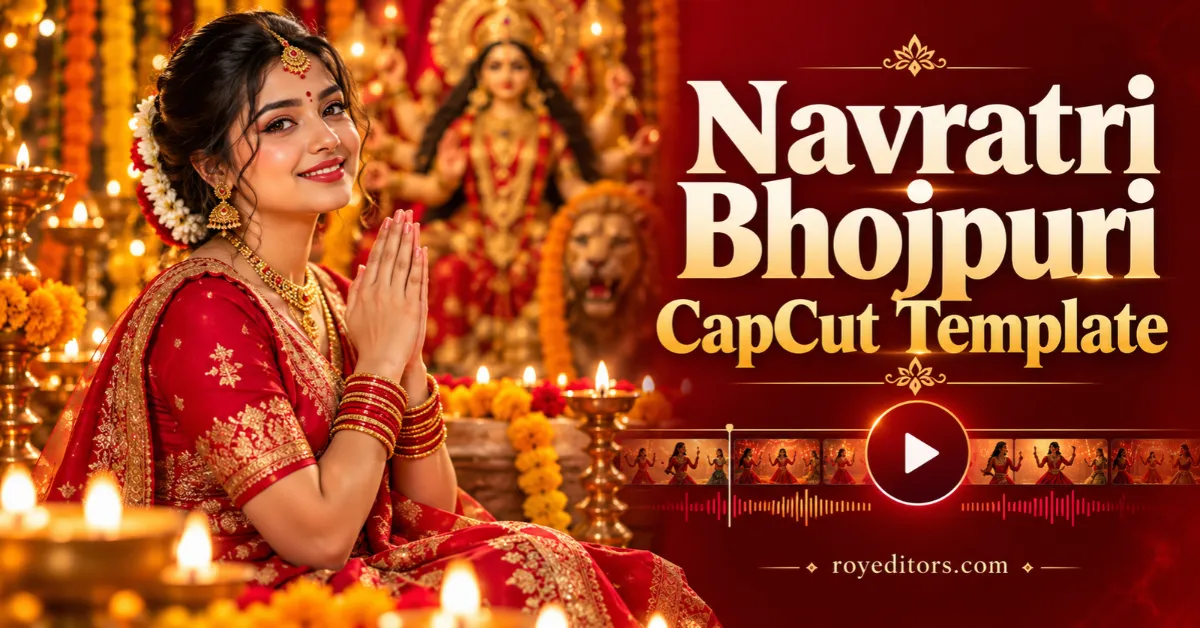
The Navratri Bhojpuri CapCut Template offers a simple way to turn your festival footage into a devotional video. You can use a traditional outfit clip, a Bhojpuri lip-sync performance, or a moment recorded during your Navratri celebrations.
A ready-made template helps you edit without arranging every transition yourself. Add your media, check the preview, and adjust the framing before exporting.
In this guide, you will learn how to prepare your clip, use the template, and make your finished Reel look cleaner.
What Is the Navratri Bhojpuri CapCut Template?
A CapCut template is a prepared editing project with spaces for your photos or videos. It can include music timing, filters, transitions, and animations.
For a Navratri Bhojpuri edit, the focus is on combining devotional audio with suitable festival footage. The exact effects, duration, and number of clips depend on the template you select.
Always watch the preview first. This helps you choose footage that matches the song and editing style.
For more Bhojpuri editing ideas, explore our Bhojpuri CapCut templates.
Navratri Bhojpuri CapCut Template Preview and Link
Before using a template, check its opening effect, audio, and clip requirements. Notice where the main transition happens and whether the edit suits a close-up or a full-length shot.

Choose your media according to the slots shown in CapCut. Some templates need one video, while others require several photos or clips.
Best Video Ideas for This Template
You do not need a complicated shoot. A clear clip with a simple background can work well.
Traditional Outfit Video
Record a short vertical video in your festive outfit. Try a gentle turn, a few walking steps, or a natural smile toward the camera.
Keep enough space around you so the template can crop or zoom without cutting off your face.
Bhojpuri Devotional Lip-Sync
Choose the part of the song used in the preview. Practise the line before recording so your expressions and lip movements match the audio.
Keep the camera steady and avoid an overly busy background.
Festival Decorations
Capture lights, flowers, or decorations from your celebration. Use slow camera movements so viewers can see the details clearly.
Family Celebration Clip
A short family moment can make your Reel feel personal. Choose footage where everyone is visible and comfortable being included.
For another festival editing idea, see our Vishwakarma Puja CapCut Template.
How to Use the Navratri Bhojpuri CapCut Template
Follow these steps after choosing an available template:
- Open the template link. Tap the template button on your phone.
- View the preview. Check the music, effects, and required media slots.
- Tap “Use template.” Continue into the editing screen.
- Select your media. Add the photos or videos requested by the template.
- Adjust the crop. Keep your face and important details inside the frame.
- Preview the complete edit. Check clip placement and any editable text.
- Export your video. Choose an available resolution and save the finished edit.
CapCut’s mobile template workflow supports replacing media and adjusting its crop before export. The interface can vary by version.
Tips for a Better Navratri Reel
A template provides the editing structure, but your original footage makes the video feel personal.
- Record vertically: A 9:16 clip is a practical starting point for a full-screen Reel.
- Use clear lighting: Keep your face visible when recording near decorative lights.
- Clean your camera lens: This helps prevent hazy footage.
- Keep movements simple: A steady pose or gentle turn is easier to frame.
- Check the final crop: Make sure zoom effects do not hide important details.
- Keep text short: A brief greeting is easier to read on a phone.
You could add “Jai Mata Di” or “Happy Navratri” if the selected template allows text editing.
For a different Bhojpuri video style, explore the Kamariya Patre Patre CapCut Template.
What If the Template Does Not Open?
If the Navratri Bhojpuri CapCut Template link does not open, check your internet connection and try opening it again.
Make sure you have an updated official version of CapCut. A template may also become unavailable if its creator removes it or if access differs by region.
If the template opens but your media does not fit, check the required clip type and duration. Try another recording that better matches the preview.
Avoid downloading an unknown app file just to access a template.
Caption Ideas for Your Navratri Video
Pair your finished Reel with a short caption:
- Jai Mata Di! Celebrating Navratri with faith and joy. 🙏
- Festive colours and beautiful Navratri memories. ✨
- A little Bhojpuri music for our Navratri celebration. 🎶
- Wishing everyone a joyful and blessed Navratri. 🌸
You can also use relevant hashtags such as #Navratri, #JaiMataDi, #BhojpuriReels, #NavratriReels, and #CapCutTemplate.
Frequently Asked Questions
Can I use photos instead of a video?
It depends on the selected template. Check the media slots before choosing your files. A template designed for movement may look better with video footage.
Is the Navratri Bhojpuri CapCut Template free?
Check the selected template inside CapCut. Any payment requirement should be reviewed before you proceed with editing or export.
How many clips do I need?
Use the number shown in the template’s media selection screen. Different versions can have different requirements.
Can I change the song?
Audio editing options depend on the template and app version. Check the available controls, or choose another template with your preferred audio.
Will this template make my Reel viral?
No template can guarantee views. Clear footage, a strong opening, and a video that connects with your audience can help make the Reel more engaging.
Create Your Navratri Bhojpuri Reel
Choose a devotional template, prepare a clear clip, and preview the complete edit before exporting. A few careful adjustments can turn a simple recording into a memorable festival video.
Visit Roy Editors for more CapCut templates and editing guides.