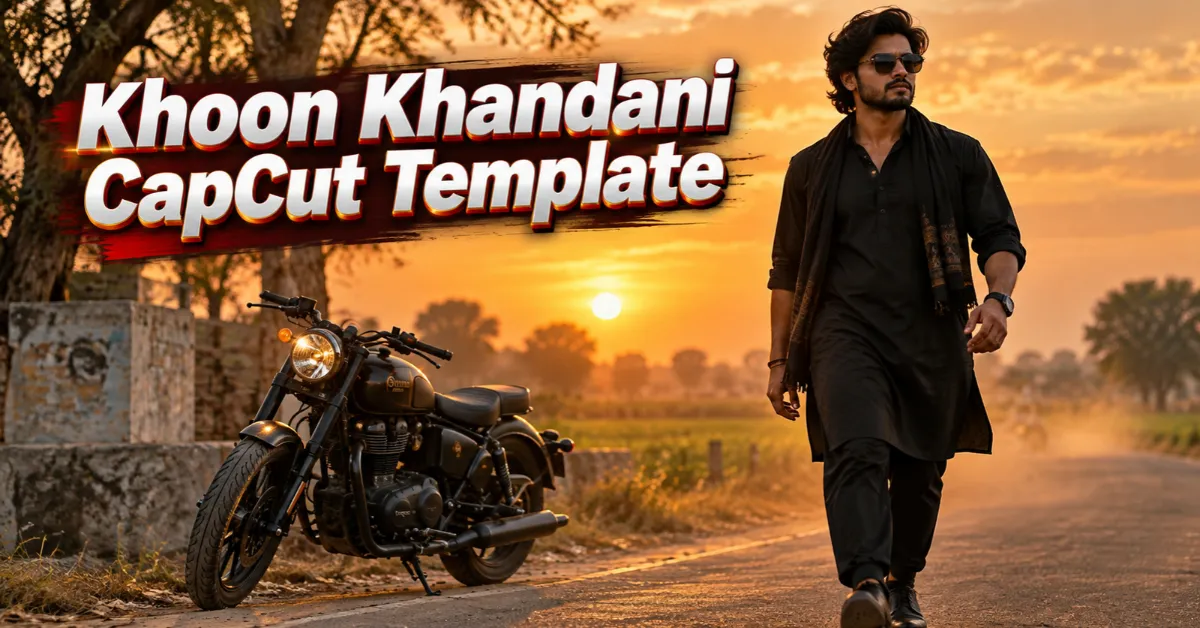
Friends, Bhojpuri attitude Reels are getting strong attention on Instagram, Facebook and YouTube Shorts. These videos combine powerful music with stylish walking clips, slow motion and sharp transitions.
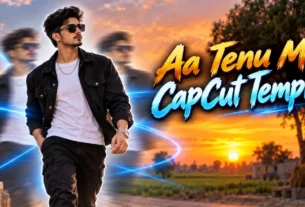
The Khoon Khandani CapCut Template helps you create the same type of Reel without editing every effect manually. The blur, flash, slow motion, clip changes and cinematic filter are already arranged. You only need to add your own videos.
In this guide, you will find the Khoon Khandani template link, suitable clip ideas and the complete editing process. Follow the steps carefully to make a clean and engaging Bhojpuri Reel.
Quick answer: Open the template link on your phone, tap Use Template, add the required vertical clips and check the preview. Export the finished video in 1080p after confirming the crop, timing and audio.
What Is the Khoon Khandani CapCut Template?
The Khoon Khandani CapCut Template is a ready-made video project based on a trending Bhojpuri song. It is designed mainly for bold attitude Reels.
The edit starts with a blurred opening. A flash effect then reveals the main clip. Slow motion gives the subject a confident look. The next clips appear with cutout-style transitions and changes timed to the music.
The complete edit may include:
- A blurred introduction
- Flash and reveal effects
- Smooth slow motion
- Beat-matched clip changes
- Cutout-style transitions
- Cinematic colour grading
- Sharp video enhancement
- Bhojpuri attitude music
The exact effects and number of media slots can change if the template creator updates the project. Always watch the current CapCut preview before selecting your clips.
If you like energetic Bhojpuri edits, you can also try the Dhamaka Bhojpuri CapCut Template. It offers another combination of slow motion, zoom and beat transitions.
Khoon Khandani CapCut Template Details
| Detail | Information |
|---|---|
| Template name | Khoon Khandani CapCut Template |
| Editing style | Bhojpuri attitude Reel |
| Main effects | Blur, flash, slow motion and cutout transitions |
| Best footage | Walking, bike pose and outdoor attitude clips |
| Recommended ratio | 9:16 vertical |
| Suggested export | 1080 × 1920 pixels |
| Suitable platforms | Instagram Reels, YouTube Shorts and Facebook Reels |
| Skill level | Beginner-friendly |
| Required clips | Check the latest template preview |
Watch the Template Preview First
Do not select your clips before watching the full preview. The preview shows the order, timing and type of media required.
A short slot may need a close-up or quick hand movement. A longer slot may work better with a walking shot. If you select the clips randomly, an important movement may be cut at the wrong point.
Open the template and note:
- How many clips are required
- The order of the clips
- The duration of each slot
- Where slow motion begins
- Which clip appears during the main beat
- Whether the template contains editable text
Khoon Khandani CapCut Template Link
Use the button below to open the original template page. It works best when opened on a phone with the official CapCut application installed.
Template disclaimer: RoyEditors does not own CapCut or the linked template. The button opens a publicly shared template page. CapCut names, logos and trademarks belong to their respective owners. The creator may update, restrict or remove the project at any time.
How to Record Clips for This Template
A template can arrange your effects, but it cannot fully correct poor footage. Clear and stable clips will give you a much better final Reel.
Record Vertically
Hold your phone upright and record in a 9:16 ratio. Vertical footage fills the mobile screen and reduces unwanted cropping.
Clean the Camera Lens
A dusty lens can make the video look hazy. Wipe it gently before recording. This small step can noticeably improve clarity.
Use Good Lighting
Record outdoors during soft daylight or in a bright indoor location. Avoid standing directly in front of a strong light because your face may become dark.
Keep the Phone Stable
Ask someone to hold the phone steadily or use a tripod. Avoid sudden shakes. Smooth footage looks better when the template applies slow motion.
Leave Extra Recording Time
Start recording two seconds before the action and continue for two seconds afterward. This gives the template enough footage for a clean selection.
Best Clip Ideas for a Khoon Khandani Reel
The template works best with confident body language. You can record one or more of these ideas:
- A slow attitude walk towards the camera
- A side-angle walking shot
- Standing beside a parked bike
- Adjusting sunglasses or a jacket
- Turning slowly towards the camera
- A close-up with a confident expression
- Walking through an open field or street
- A traditional outfit pose
- A safe group walk with friends
- A still ending pose
Keep the background simple. Crowded places, moving vehicles and too many people can distract viewers from the main subject.
Do not record risky bike stunts or carry real weapons for an attitude video. A confident walk, expression and camera angle are enough to create a strong Reel.
For another action-style edit, see the Nachaiab Hathiyar Se CapCut Template and follow the safety guidance included in that tutorial.
How to Use the Khoon Khandani CapCut Template
Follow these steps on your mobile phone:
- Install or update the official CapCut application.
- Open this RoyEditors article in a regular mobile browser.
- Tap the Check Khoon Khandani Template on CapCut button.
- Allow the link to open in the CapCut app.
- Watch the complete template preview.
- Tap Use Template or the equivalent option.
- Check how many media slots are required.
- Select your clips in the same order as the preview.
- Tap Preview or Next.
- Wait while CapCut applies the effects and music.
- Check the crop and replace any unsuitable clip if the option is available.
- Watch the complete video with sound.
- Tap Export and save the video to your phone.
The exact button names may differ between CapCut versions. Follow the options currently shown on your device.
How to Arrange Your Clips Properly
Place a calm or slightly blurred clip at the beginning. This allows the reveal effect to create suspense.
Use your strongest clip for the main beat. A confident walk or turn usually works well here. Add a close-up or pose in the shorter slots.
Try to maintain visual continuity. If one clip ends while you turn to the right, choose another clip that begins from a similar angle. Sudden changes in direction can make the edit feel disconnected.
Use original video files where possible. Videos downloaded from messaging apps may already be compressed and can lose more quality during export.
Tips to Make the Bhojpuri Reel Look Better
Match Your Movement With the Music
Choose clips with clear movements that suit the beat. A step, turn or jacket adjustment can make the transition feel more natural.
Wear Contrasting Colours
Choose clothes that remain visible against the background. A black outfit may disappear in a dark location, while a light outfit may lose detail in harsh sunlight.
Keep the Subject in the Centre
Templates often crop clips automatically. Keeping yourself near the centre reduces the chance of your face or body being cut out.
Avoid Too Many Extra Effects
The template already contains blur, flashes and transitions. Adding more effects can make the video look crowded.
Check Every Frame
Watch the preview at least once before exporting. Look for awkward crops, frozen frames, incorrect text and sudden clip changes.
If you want a similar hero-style presentation, the Attitude Boy CapCut Template is another suitable choice.
Best Export Settings
For Instagram Reels and YouTube Shorts, use these settings when available:
- Resolution: 1080p
- Video size: 1080 × 1920 pixels
- Aspect ratio: 9:16
- Frame rate: 30 FPS or the same as your original clips
- Format: MP4
Exporting at a very high frame rate will not automatically improve low-quality footage. Match the original recording when possible.
Upload the original exported file. Avoid forwarding it through another application before posting because extra compression may reduce clarity.
Khoon Khandani Template Not Working: Solutions
The link does not open in CapCut
Confirm that the official CapCut app is installed and updated. Open the link in Chrome, Safari or another regular browser instead of an in-app browser.
The Use Template button is missing
The template may be restricted or unavailable in your region. The creator may also have removed it. Try again later or explore other CapCut templates on RoyEditors.
Your gallery is not visible
Open your phone settings and allow CapCut to access photos and videos. Select only the permissions required for editing.
The template is processing slowly
Use a stable internet connection. Close unused applications and make sure your device has enough free storage.
The video looks blurry
Use original high-quality clips and export in 1080p. A template cannot restore details that are missing from a heavily compressed recording.
Your face is cropped
Choose a wider clip with the subject near the centre. Reposition the media in the preview if the template permits it.
Music, Privacy and Responsible Use
A public template link does not give you ownership of the included song, dialogue or visual elements. Instagram, Facebook or YouTube may mute or restrict music according to its licensing rules.
Use your own clips or media that you have permission to publish. Ask before uploading another person’s face. Take extra care when children appear in a video.
Do not display private information such as phone numbers, addresses, vehicle documents or identity cards in the background.
Frequently Asked Questions
Is the Khoon Khandani CapCut Template free?
Many public CapCut templates can be used without paying for the template itself. Certain effects or features may still depend on your account, app version or region.
How many clips are needed?
The clip count can change if the creator updates the template. Open the current preview and check all media placeholders before selecting your videos.
Can I use photos instead of videos?
Only if the live template accepts photos. Video clips usually give better results because the edit uses slow motion and movement.
Which clips work best?
Attitude walking clips, bike-side poses, jacket adjustments, outdoor turns and confident close-ups usually suit this style.
Can I use the template on an iPhone?
Yes, if CapCut and the particular template are available for your device and region.
Why is the template unavailable in my country?
CapCut features and template availability can vary by region. A creator can also restrict or remove a template.
Can this template guarantee viral views?
No template can guarantee views. Reach depends on the quality of your opening, footage, audience response, caption, posting time and the platform’s recommendation system.
What is the best ratio for Instagram Reels?
Use a vertical 9:16 ratio. A resolution of 1080 × 1920 pixels is suitable for a full-screen Reel.
Is it safe to download CapCut from an unofficial website?
Use an official app store or developer source available in your region. Avoid modified APK files that request unnecessary permissions or promise paid features for free.
Conclusion
The Khoon Khandani CapCut Template gives you a quick way to create a Bhojpuri attitude Reel without arranging every blur, flash, slow-motion effect and transition manually.
Open the template link, watch the latest preview and record clear vertical clips. Add your footage in the correct order and check the complete video before exporting it in 1080p.
The template makes editing easier, but your original footage still matters. Use steady clips, good lighting and confident but safe movements. A clean opening and well-timed main clip can make the final Reel far more engaging.
Keep visiting RoyEditors for more Bhojpuri, attitude, friendship and trending CapCut templates.

Renu Mishra Roy is the founder and editor of Roy Editors. She writes about trending CapCut templates, VN codes, and AI photo editing, testing each template herself before publishing so readers get steps that actually work. Her guides focus on helping creators make clean, viral-style Reels and Shorts without wasting time on complicated editing.
1 thought on “Khoon Khandani CapCut Template 2026 – Viral Bhojpuri Reel”