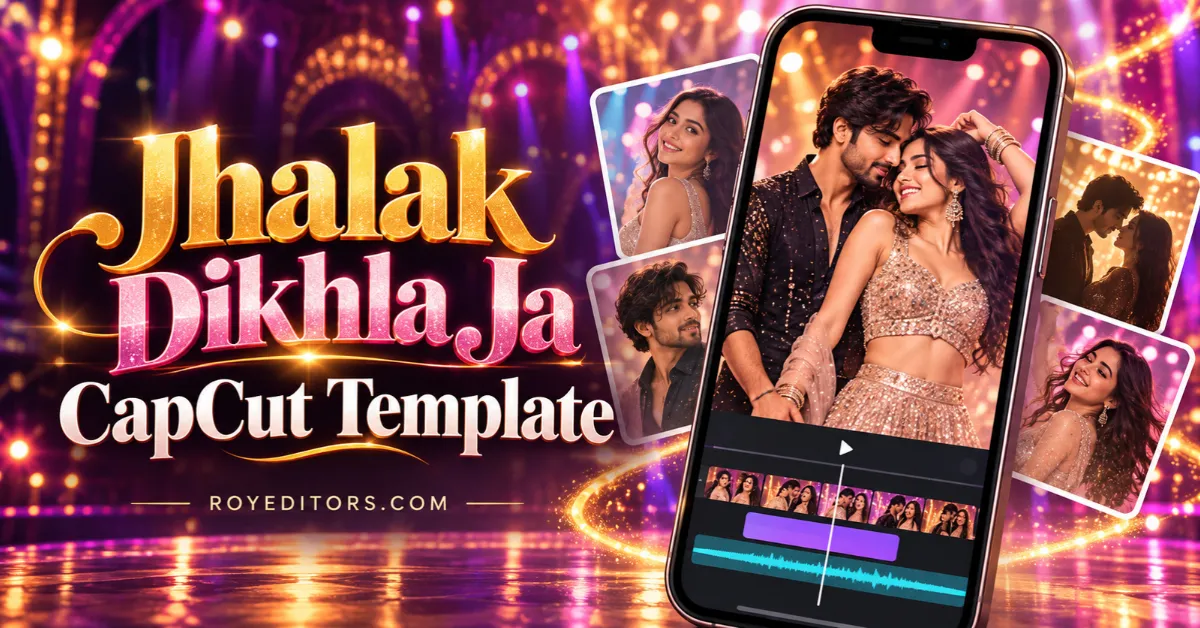
Want to turn your favourite photos into a Bollywood-style video? The Jhalak Dikhla Ja CapCut Template is a simple option for creating a music edit without arranging every clip manually.
You can use it for selfies, outfit photos, couple moments, or a short collection of memories. Choose a template, add your pictures or videos, and preview how they fit the edit before exporting.
For another music-inspired edit, explore our Honey Singh Song CapCut Template guide.
What Is the Jhalak Dikhla Ja CapCut Template?
The Jhalak Dikhla Ja CapCut Template is a ready-made editing layout listed under the song’s name. It gives you media slots where you can add your own photos or clips.
There are several versions, so check the preview before choosing one. For example, two CapCut listings use a vertical 9:16 format, with one requiring four clips and another requiring five. The number of clips depends on the version you select.
Transitions, timing, and other effects may also differ between versions. Pick the one that matches the mood of your photos.
Jhalak Dikhla Ja CapCut Template Link
You can preview a listed version here:
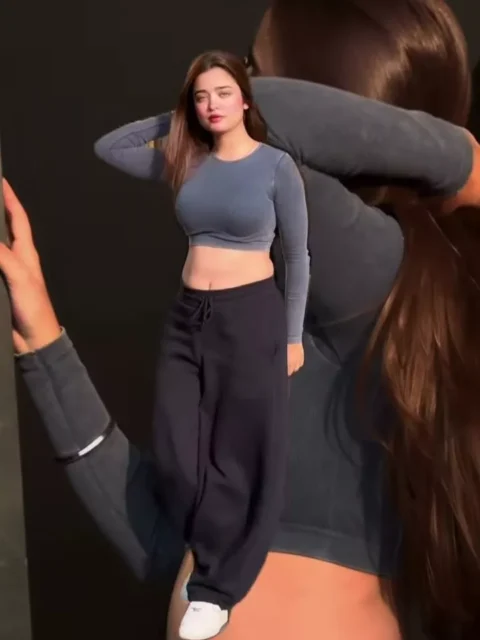
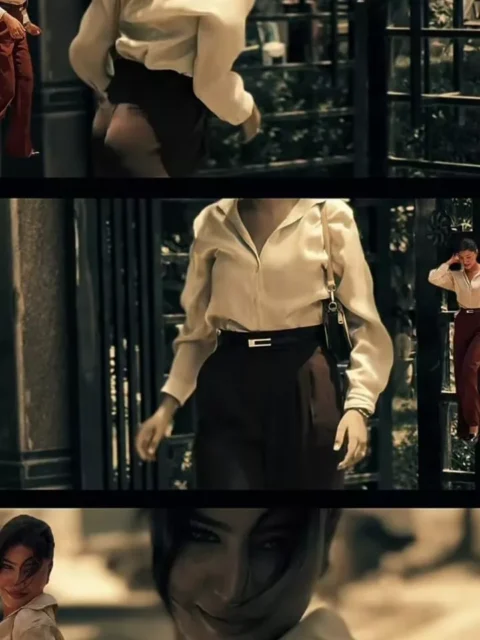
Check the preview and available options before adding your media. Template access may depend on your location, device, and app version.
How to Use the Jhalak Dikhla Ja CapCut Template
Follow these steps to create your edit. Button names may differ slightly between devices.
- Open the template link.
Visit the linked CapCut page and check its preview. - Continue into CapCut.
If a “Use template” option appears, select it and follow the prompt. - Add your photos or videos.
Choose enough media to fill the template’s required slots. - Adjust the framing.
Reposition your photos where editing controls allow it. Keep faces and important details visible. - Preview the complete video.
Watch the edit from beginning to end. Replace any picture that looks blurry or poorly cropped. - Export your edit.
Choose an available export setting that suits your needs, then save the video.
Before posting, check that the music is available and permitted for your account on the platform you plan to use.
Best Photos to Use for This Edit
A good template works better with clear, well-chosen photos. Try selecting images with a similar mood or colour style.
Some ideas include:
- Outfit photos: Use different poses from the same look.
- Couple pictures: Choose a mix of close-up and wider shots.
- Selfie collections: Pick clear selfies with different expressions.
- Celebration moments: Add pictures from a wedding, party, or family event.
- Travel memories: Combine portraits with a few scenic clips.
Start with a strong opening photo. It should be easy to understand at a glance and fit the vertical frame comfortably.
Tips for a Better Jhalak Dikhla Ja Video
Use Clear Original Photos
Original camera photos usually give you a better starting point than screenshots or images repeatedly shared through messaging apps.
Check Every Crop
A vertical edit may crop the sides of a wide photo. Preview each image and make sure your face stays inside the frame.
Keep the Look Consistent
Photos from one occasion can help the video feel connected. If you mix different events, choose images with similar lighting or colours.
Avoid Too Much Text
If you add a caption, keep it short. Place it where it does not cover faces or important details.
What If the Template Does Not Open?
If the link fails, try opening it in your phone’s browser and check whether CapCut is installed and updated. You can also search for “Jhalak Dikhla Ja” within CapCut if template search is available.
A template may have been removed or may be unavailable in your region. In that case, choose another accessible version with a preview you like.
Frequently Asked Questions
How many photos does this template need?
It depends on the version. Check the required media slots before selecting your photos.
Can I use videos instead of photos?
Check what the selected template accepts. Some layouts may work better with still pictures, while others may allow video clips.
Is the template free?
Check the template and export screen for any paid features or subscription requirements before finishing your edit.
Can I post the finished video on Instagram?
You can upload a compatible exported video. Check Instagram’s music permissions, especially if you use a business account.
Can I change the effects?
Your editing options depend on the template. Preview its available controls before deciding whether it suits your video.
Want to try a different style? Explore the No Snitching CapCut Template.

Renu Mishra Roy is the founder and editor of Roy Editors. She writes about trending CapCut templates, VN codes, and AI photo editing, testing each template herself before publishing so readers get steps that actually work. Her guides focus on helping creators make clean, viral-style Reels and Shorts without wasting time on complicated editing.
2 thoughts on “Jhalak Dikhla Ja CapCut Template: Create a Stylish Music Edit”