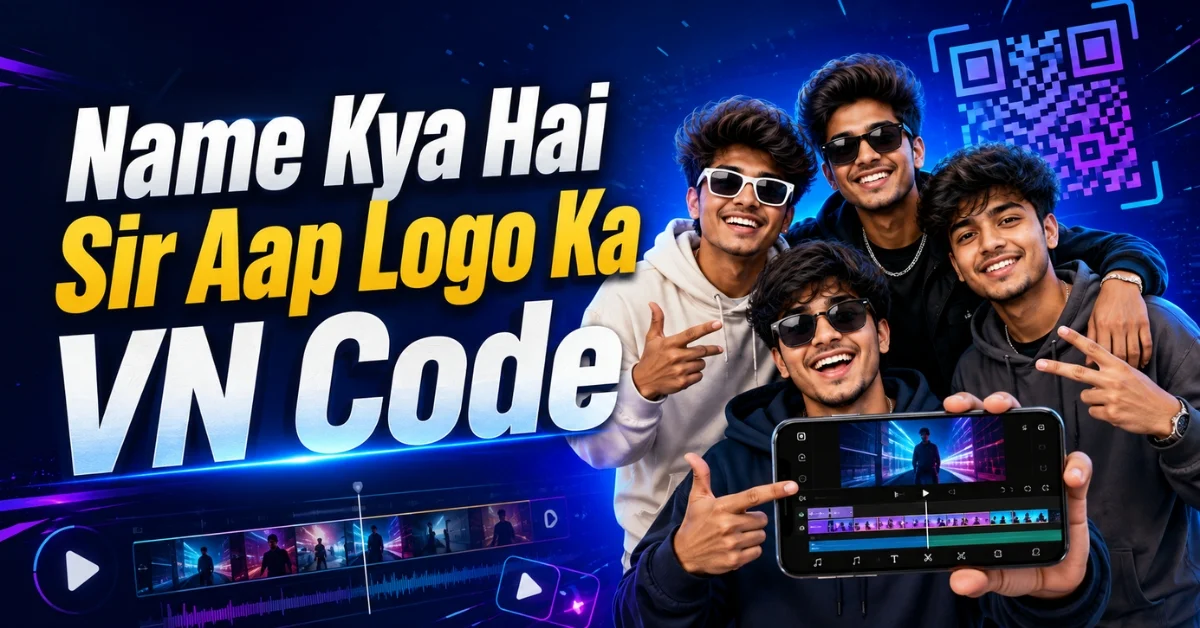
The Name Kya Hai Sir Aap Logo Ka VN Code is a ready-to-use template for creating a funny friends-group video in VN Video Editor. The trend uses a popular dialogue, individual photos, creative group names, quick transitions, and entertaining timing to introduce every member of a squad. Instead of arranging each clip and effect manually, users can scan the QR code, open the prepared project, replace the sample media, and create a polished reel within minutes.
This guide explains where to place the QR code, how to import it, which photos to select, how to personalize the names, and what to do if the template does not work. Whether you are editing your first reel or regularly create short-form content, the instructions below will help you produce a cleaner and more engaging result.
What Is the Name Kya Hai Sir Aap Logo Ka VN Code?
It is a scannable VN template that stores the basic structure of the trending edit. The project may include the audio timing, transitions, photo sequence, zoom effects, text placement, and other visual elements needed for the reel. After importing it into VN Editor, you mainly need to replace the existing images with your own photos.
The concept works especially well for a close group of friends. One person asks the group its name, and the following scenes introduce the members with humorous, stylish, or unexpected labels. The combination of recognizable dialogue and personal photos gives the video a relatable feel. Every group can use the same editing format while changing the names, expressions, and pictures to make the final reel original.
Why Is This Friends-Group Trend Popular?
Short videos often perform well when viewers understand the idea immediately. This trend starts with a simple question and then delivers an amusing answer through the names and personalities of the group members. The format creates curiosity because viewers wait to see the next person and their assigned title.
It is also highly shareable. Friends can tag one another, compare roles, and repost the edit. The same format can be adapted for classmates, cousins, colleagues, gamers, or hostel roommates. Because the template handles most of the timing and effects, even beginners can produce a polished result.
Name Kya Hai Sir Aap Logo Ka VN Code Download
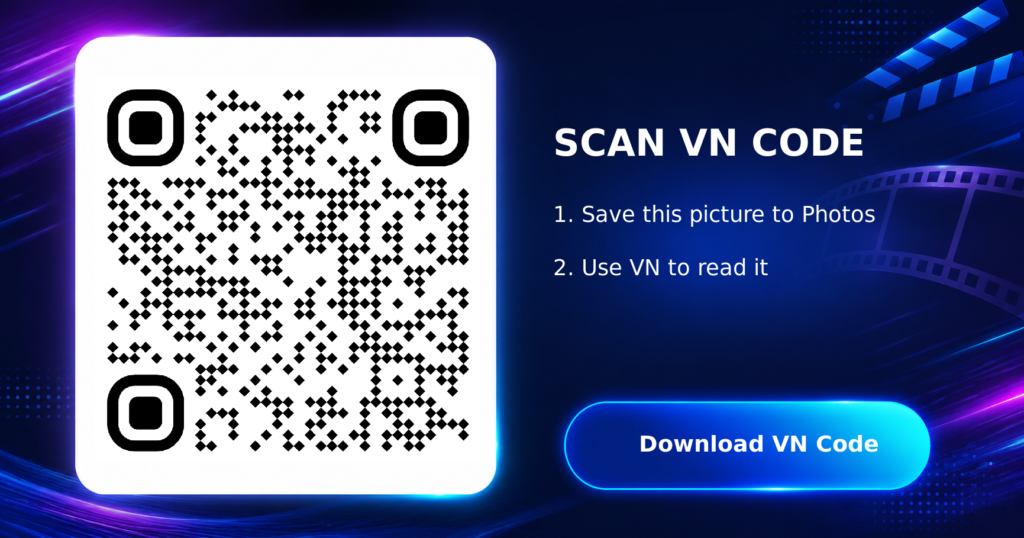
Save the QR image displayed below to your phone. On most devices, you can long-press the image and select Download Image or Save to Photos.
How to Use the VN QR Code Template
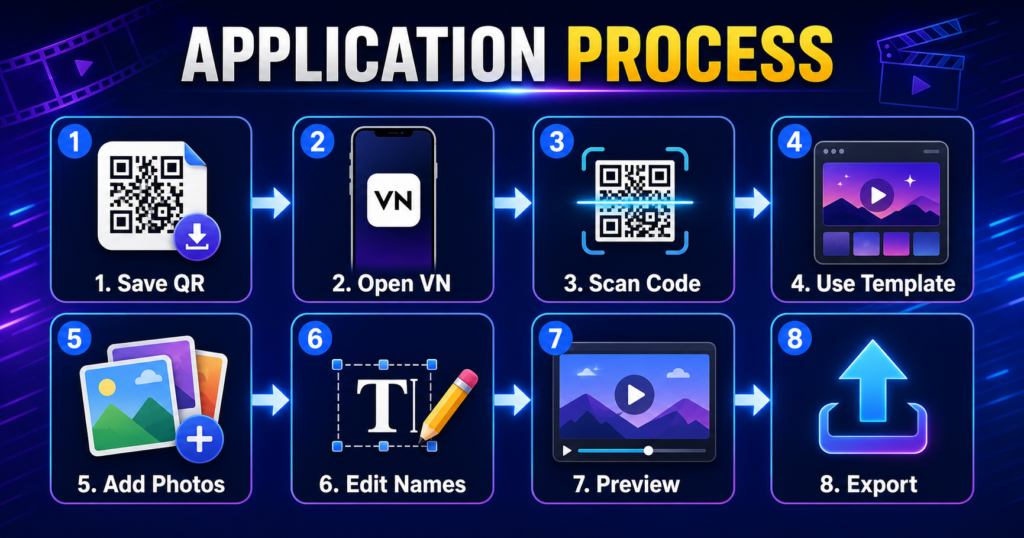
Follow these steps to import and customize the project:
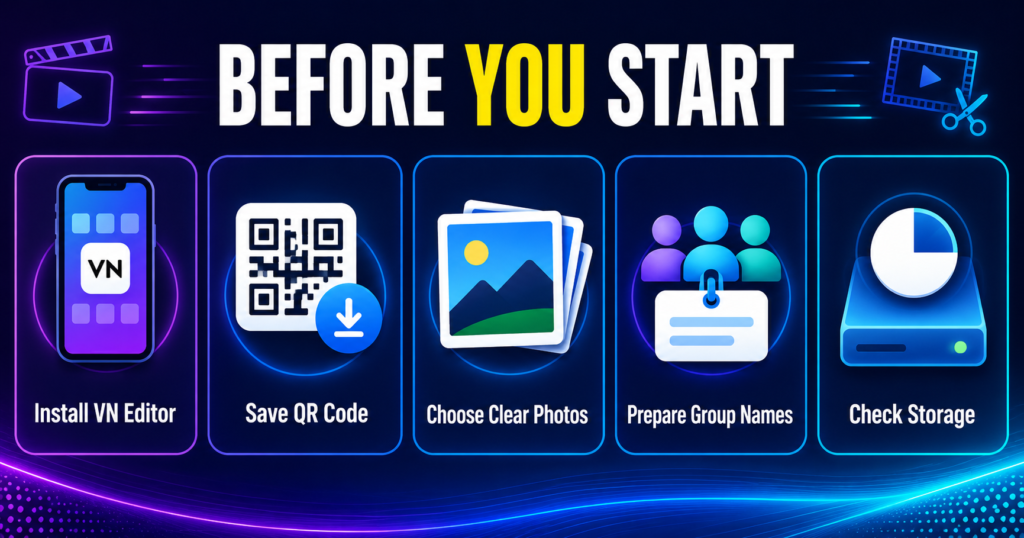
Step 1: Install or Update VN Video Editor
Download VN Video Editor from your device’s official app store. If it is already installed, update it before scanning the code. An older version may not recognize a template created with newer app features.
Step 2: Save the QR Code
Download the code from the section above and confirm that it appears in your gallery. Do not apply a filter or resize it before scanning.
Step 3: Open the Scanner
Launch VN Editor and look for the scan icon, usually available near the top of the home screen or template area. The exact position can differ slightly depending on the app version and operating system.
Step 4: Select the QR Image
Tap the gallery option in the scanner and choose the saved code. VN should read the image and display the template preview. Review the duration, number of media slots, music, and overall style before continuing.
Step 5: Download and Use the Template
Tap Download, Use Template, or the equivalent button shown on your screen. Wait until all project resources have loaded. Keep the app open and use a stable internet connection during this stage.
Step 6: Add Your Photos
Select your pictures in the requested order. Match each person with the correct media slot. When one friend appears more than once, use the same photo again or select another photo of that person for variety.
Step 7: Edit the Names and Text
Open each text layer and replace the sample wording with your group’s chosen names. Keep the labels brief so they remain readable on a phone screen. Check spelling and ensure that text is not hidden behind the Instagram interface.
Step 8: Preview the Full Video
Play the project from beginning to end. Look for incorrect photos, blank frames, poorly cropped faces, text errors, and transitions that do not match the beat. Correct these issues before exporting.
Step 9: Export in High Quality
For most social platforms, select 1080p resolution and a smooth frame rate supported by your source media. Export the final file, watch it once in your gallery, and then upload it to your preferred platform.
How to Make Your Video Look More Original
Use expressive, well-lit photos and short names based on harmless inside jokes, personalities, college roles, or gaming identities. Reposition every image so faces remain visible during zoom effects, and avoid excessive stickers that distract from the reveal. Ask permission before publicly posting another person’s photo.
You can also try our Rajaji Mukhiya Ladi VN Code.
Common VN Code Problems and Their Solutions
The QR Code Is Not Scanning
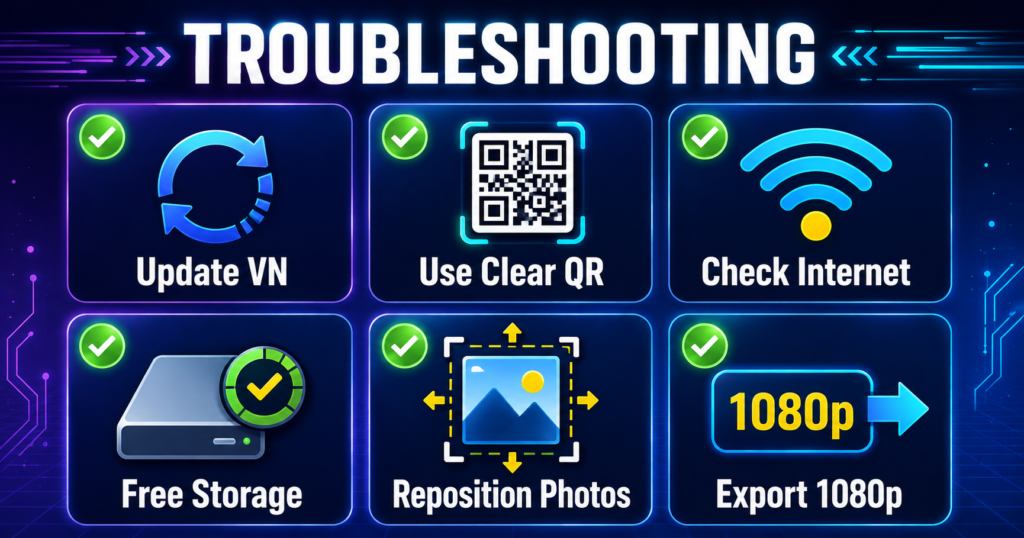
Download the original image again, increase your screen brightness if scanning from another phone, or use the gallery-import option. Confirm that the code is complete and not blurred. Updating VN Editor can also solve compatibility problems.
The Template Does Not Open
Check your internet connection, restart the app, and try again. Clear temporary app cache if appropriate for your device, but avoid deleting app data unless your saved projects are backed up. The template link may also have been removed or temporarily become unavailable.
Photos Are Cropped Incorrectly
Tap the affected clip and use crop, fit, or reposition controls. Keep the subject near the center and preview animated sections because a face that looks correct in a still frame may move out of view during a zoom.
Music or Effects Are Missing
Allow the template resources to download completely. If an audio track is unavailable because of platform or regional restrictions, choose a similar sound from the platform’s licensed music library before publishing.
Export Is Slow or Fails
Free some device storage, close unused apps, reduce unnecessary layers, and retry the export. If 4K fails, use 1080p, which is usually sufficient for vertical social videos.
Frequently Asked Questions
Is this VN code free to use?
The QR template is generally free to import in VN Editor. However, availability may change, and some audio or assets can be subject to platform restrictions. Always use the download provided on the page and avoid websites that request unnecessary personal information.
How many photos are needed for the video?
Most versions are designed for a small group, often four people, but the exact number depends on the template. Check the preview and media-slot count before selecting your images.
Can I change the group names?
Yes. Select the text layers and replace the default labels with your own funny, stylish, or personal group names. Short text usually looks best.
Why is the VN QR code not working?
The common causes are a cropped image, low image quality, an outdated VN app, weak internet, or an expired template. Re-download the full-resolution code and update the application before trying again.
Can I post the finished video on YouTube Shorts?
Yes. A vertical export can be posted to YouTube Shorts, Instagram Reels, Facebook Reels, or used as a status video, provided you follow each platform’s music and content rules.
Final Words
The Name Kya Hai Sir Aap Logo Ka VN Code offers a simple way to turn friends’ photos into a humorous and fast-paced group introduction. Save the clear QR image, import it through VN Editor, replace every sample photo carefully, personalize the names, and preview the timing before exporting. A few thoughtful changes—better photos, readable labels, balanced cropping, and a suitable cover—can help your reel feel personal even when it starts from a popular template.